
Promptia
AI assistance for the text you're already working with. Select text in any app, trigger with your shortcut, get instant help — without switching windows.
Why Promptia?
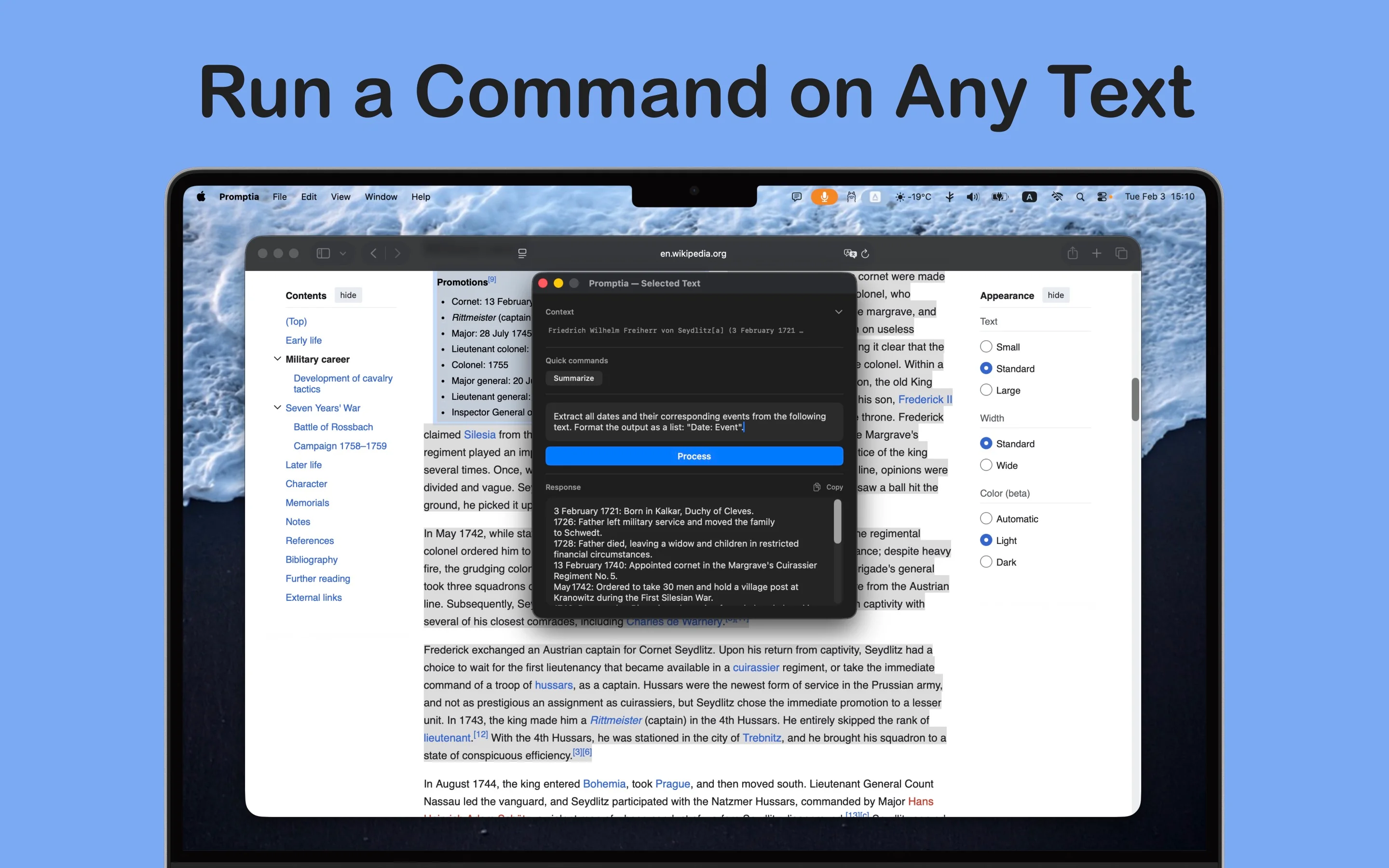
Work with selected text
Highlight any text and use your global shortcut. Promptia opens with your selection as context. Ask a question, request a rewrite, or use one-tap actions to improve, fix tone, explain, summarize, or translate. Copy the response or keep the conversation going with follow-up questions.
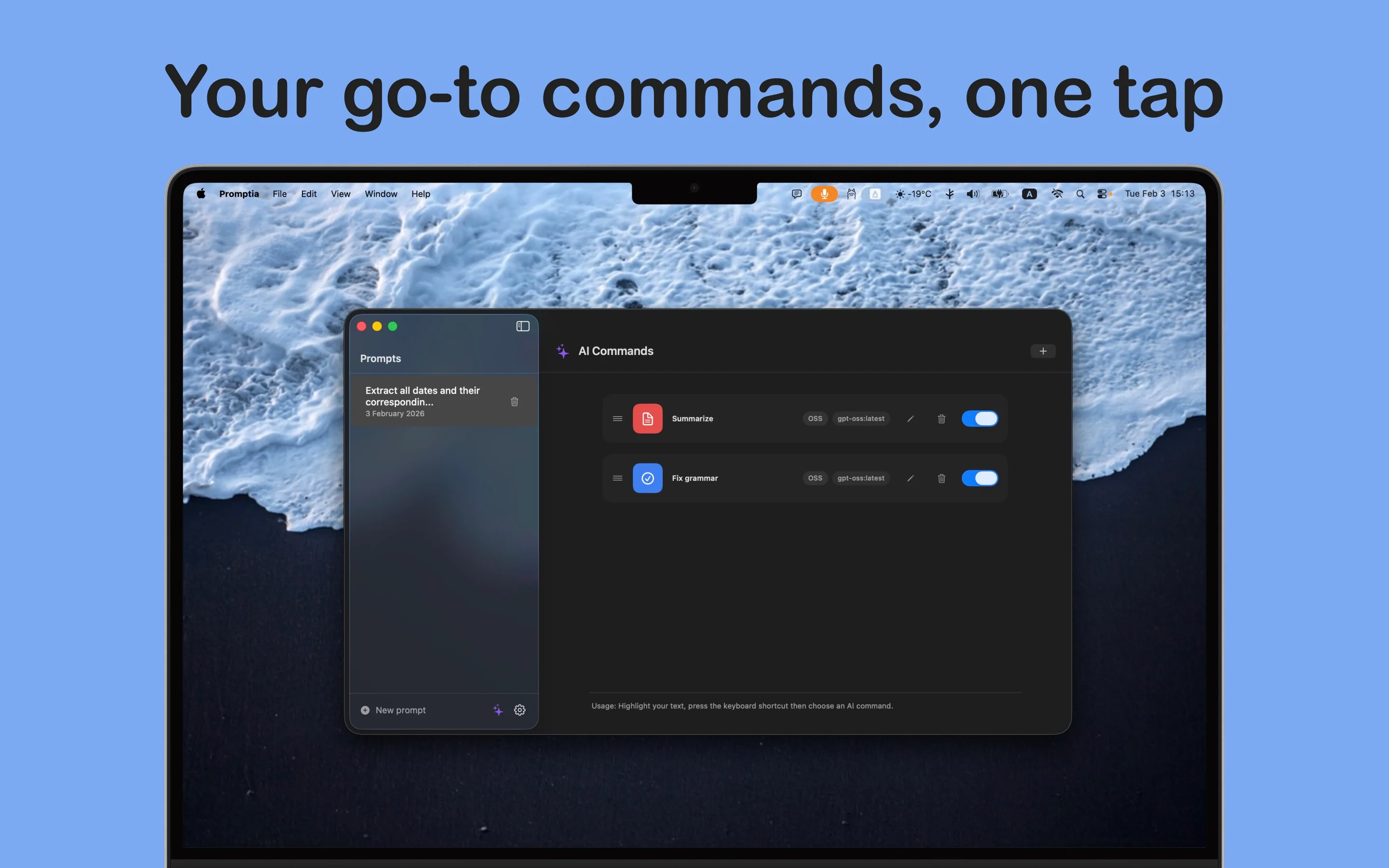
AI Commands
Create your own quick commands. Define custom prompts (your selected text is inserted where you want via a placeholder), choose which AI model to use. Perfect for recurring tasks: formalize, simplify, expand, or tailor text to your workflow.
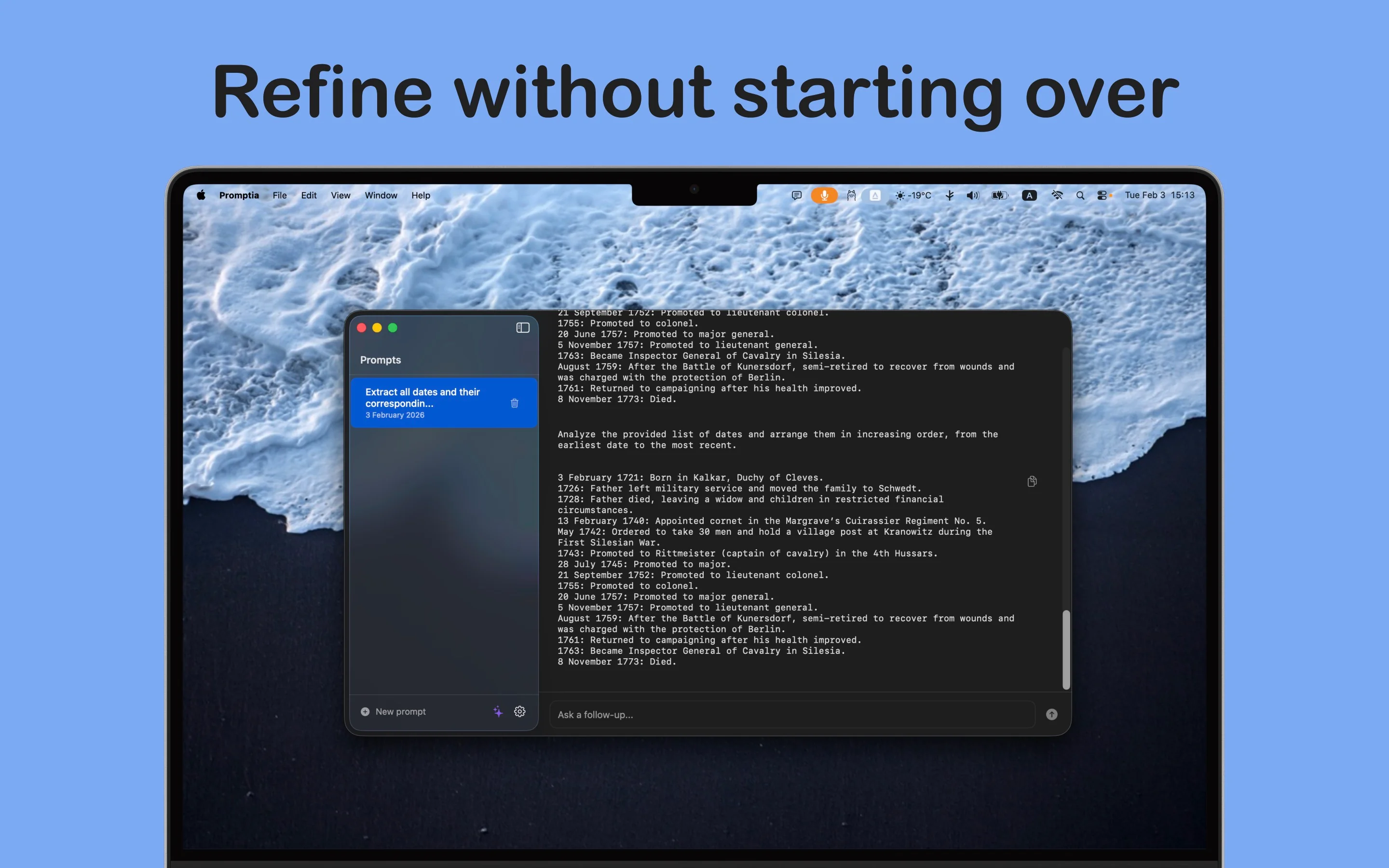
Prompt history & chat
Every prompt becomes a session in the sidebar. Reopen past conversations, continue where you left off, or start a new prompt. Your history stays in one place so you can focus on the current task.
Flexible AI providers
Add one or more AI providers in Settings. Ollama runs models locally on your Mac for private, offline use (no API key). OpenAI connects via API for GPT models. New providers are coming soon.
Built for Mac
No clutter, no extra windows — just select text, hit your shortcut, and get things done. Native macOS app that stays out of your way.
Screenshots
How It Works
Select text
Highlight any text in any app — Mail, Notes, Safari, or your code editor.
Trigger Promptia
Use your global keyboard shortcut. Promptia opens with your selection as context.
Get help
Ask a question, use one-tap actions (improve, translate, summarize), or run your custom AI commands. Copy the result or continue the conversation.