
Kiyoshii
Menu bar clipboard companion for your Mac. Copy in any app, press ⌘⇧V, and turn plain text into polished writing, translations, code help, JSON cleanup, and more—powered by Apple Intelligence on your machine. No accounts, no API keys.
Why Kiyoshii?
Local-first AI
Uses Apple’s on-device model when available. Your snippets are not sent to a custom cloud backend for transformation—no third-party AI API keys required.
Content-aware actions
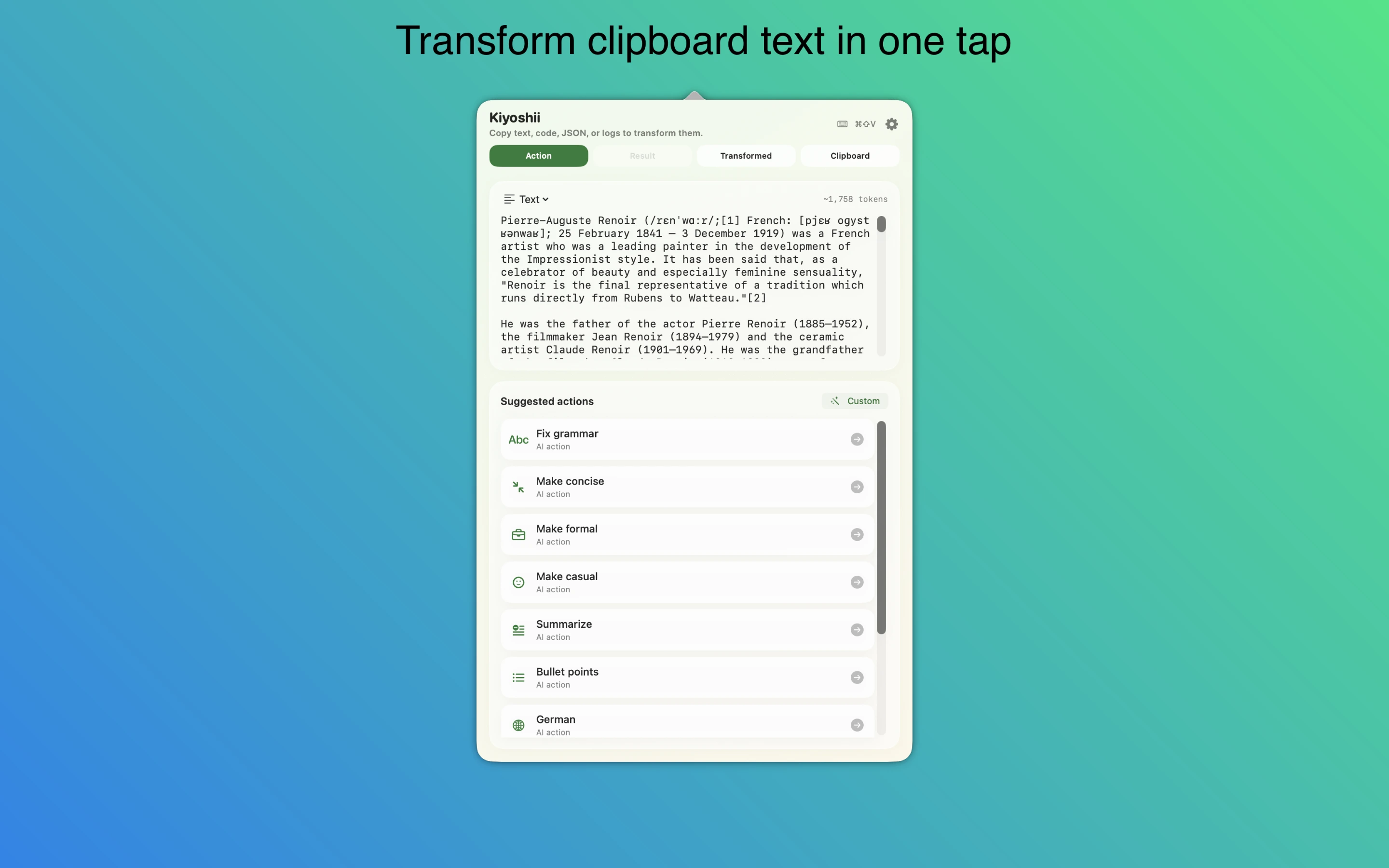
Detects plain text, code, JSON, terminal errors, and shell commands and surfaces the actions that make sense for what you copied.
Always nearby
Lives in the menu bar with a global shortcut so you stay in flow without digging through menus.
Clipboard & journal
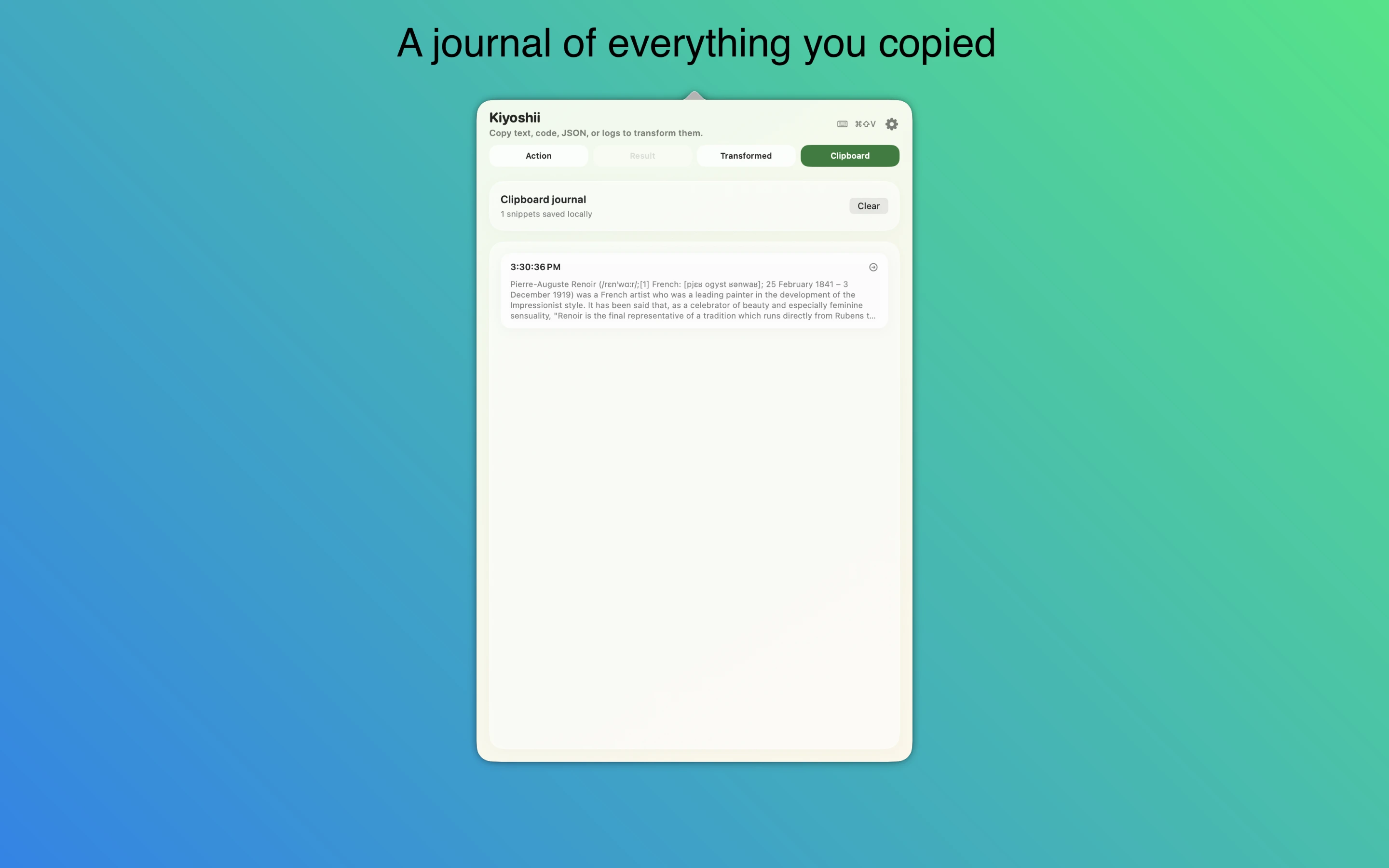
Optional journal of recent plain-text copies to jump back and re-copy fast. Stored locally; disable in Settings when you do not want recording.
Preset library
Writing tools, translations, code explain/fix/comments, error hints, safer shell commands, JSON structure explain and pretty format—plus favorites, hide, and restore.
Custom workflows
Custom Prompt with freeform instructions, recent prompts, and Save as Action to build your own one-tap tools.
History & results
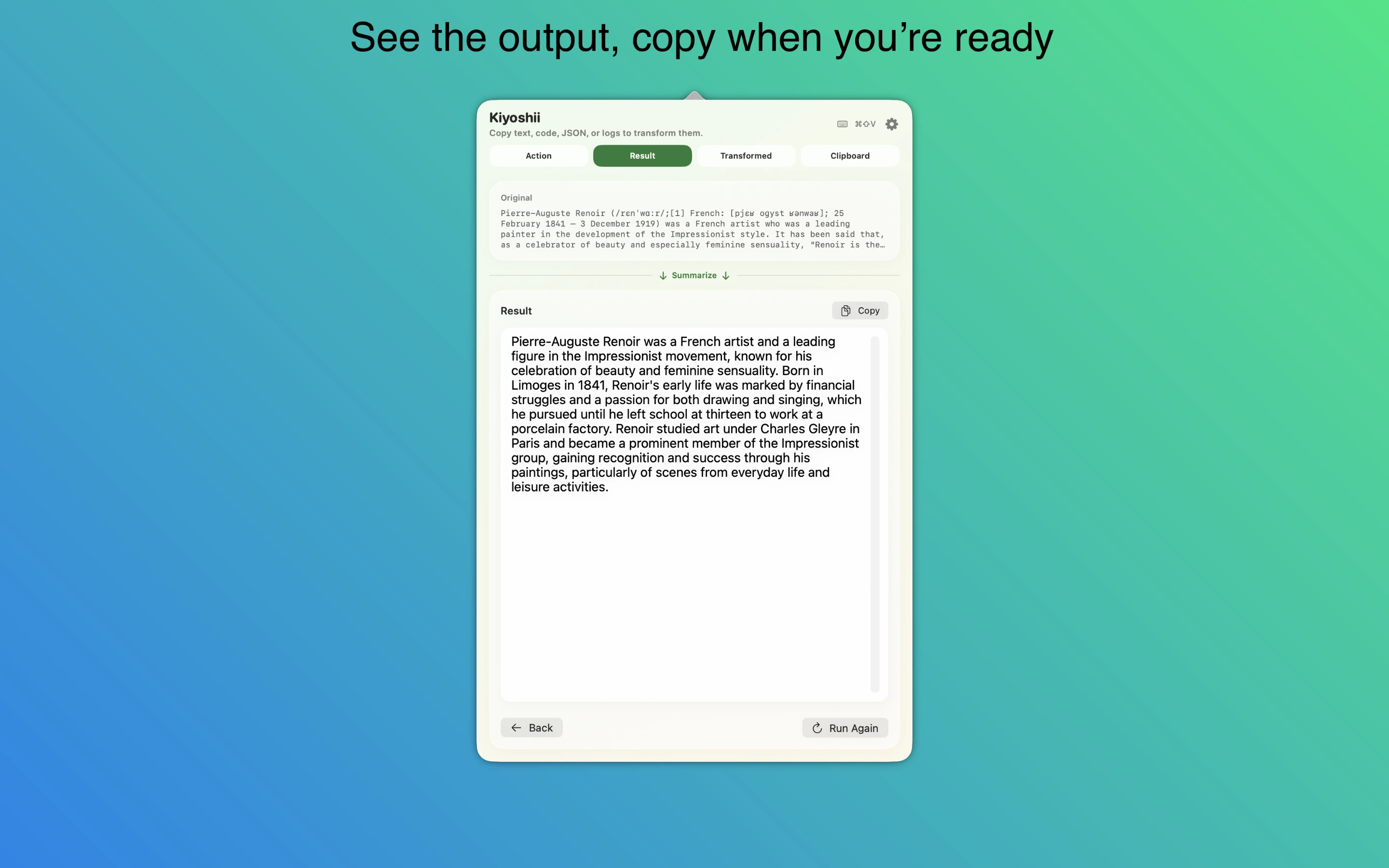
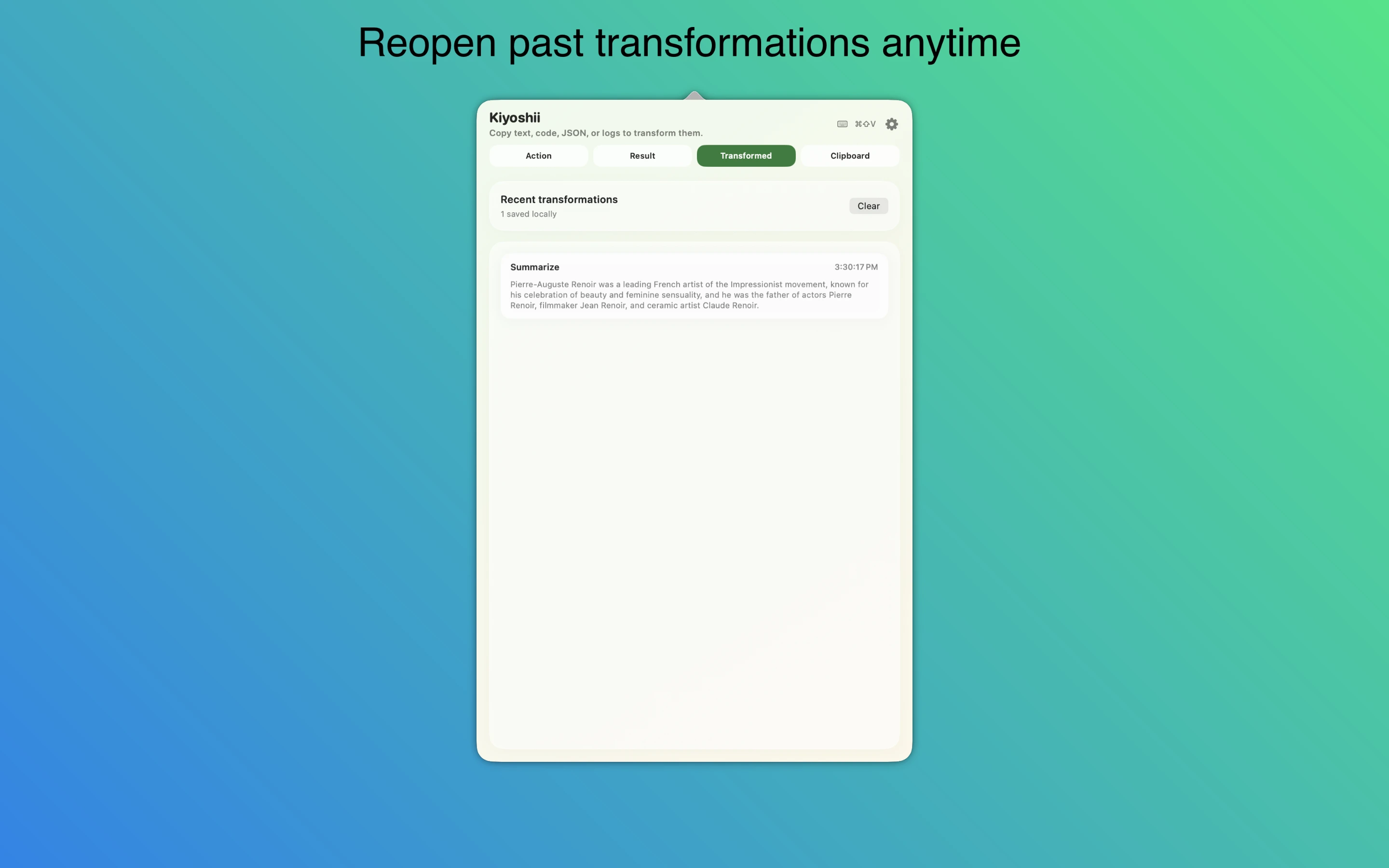
Transformed tab keeps recent runs—reopen, copy again, or run again on fresh clipboard text. Optional auto-copy of every successful result.
Power-user automation
Optional local HTTP control API on your Mac for scripts: list actions, run an action, and nudge the UI on the same machine.
Screenshots
Getting started
Install from the App Store
Get Kiyoshii on your Mac. Enable Apple Intelligence in System Settings on a supported Mac so on-device transformations are available.
Copy & open
Copy text in any app, then press ⌘⇧V or click the menu bar icon. Pick an action that matches what you copied.
Refine your setup
Favorite frequent actions, tune the clipboard journal, set launch at login, and use history to reuse results—everything stays oriented around your workflow.