FormatShift
Privacy-First Document Converter
Transform your files between multiple formats—all processed directly on your device. No cloud uploads, no data sharing, complete privacy. Convert between DOCX, Markdown, HTML, JSON, RST, EPUB, ODT, DocBook, LaTeX, and plain text formats with ease.
Key Features
Universal Format Support
10 Document Formats
- ✓ DOCX (Microsoft Word)
- ✓ Markdown (MD)
- ✓ HTML
- ✓ JSON
- ✓ RST (reStructuredText)
- ✓ EPUB
- ✓ ODT (OpenDocument Text)
- ✓ DocBook
- ✓ LaTeX
- ✓ Plain Text (TXT)
Batch Processing
Convert Multiple Files
- ✓ Process multiple files simultaneously
- ✓ Drag and drop entire folders
- ✓ Convert entire document libraries
- ✓ Perfect for project folders
- ✓ Save time with bulk operations
Privacy-First Architecture
Complete Privacy & Security
- ✓ All conversions happen on your device
- ✓ Your documents never leave your Mac or iPhone
- ✓ No internet connection required
- ✓ No cloud services or data collection
- ✓ Complete privacy guaranteed
Intuitive Drag & Drop Interface
Effortless Conversion
- ✓ Elegant, modern interface
- ✓ Drag files directly into the app
- ✓ Choose target format easily
- ✓ No complex settings required
- ✓ No technical knowledge needed
Native Performance
Optimized for macOS & iOS
- ✓ Built with Swift
- ✓ Optimized for macOS and iOS
- ✓ Fast and efficient processing
- ✓ Native SwiftUI design
- ✓ Feels right at home on Apple devices
Perfect for Any Workflow
Versatile Use Cases
- ✓ Academic papers and research
- ✓ Technical documentation
- ✓ Everyday documents
- ✓ E-book conversion
- ✓ Content migration projects
Screenshots
iOS
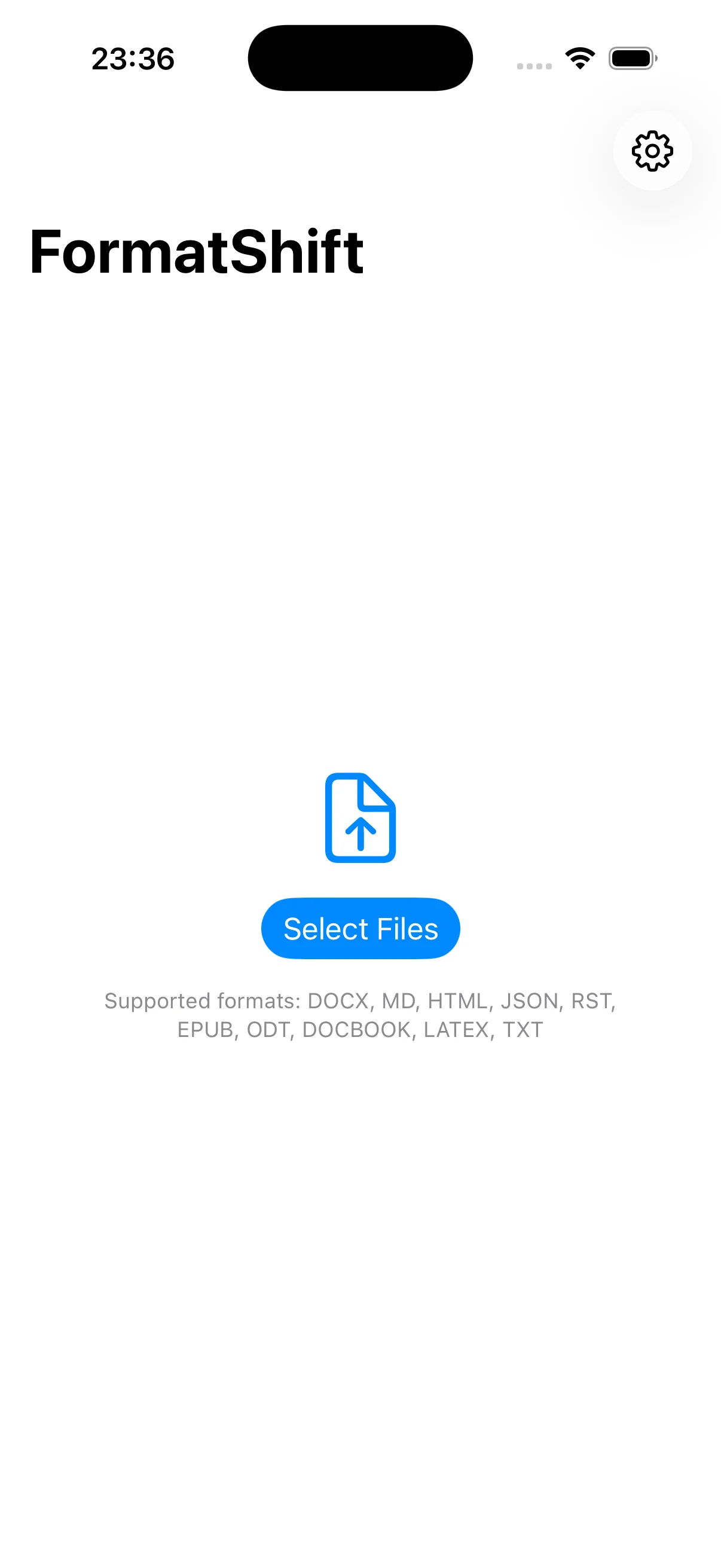
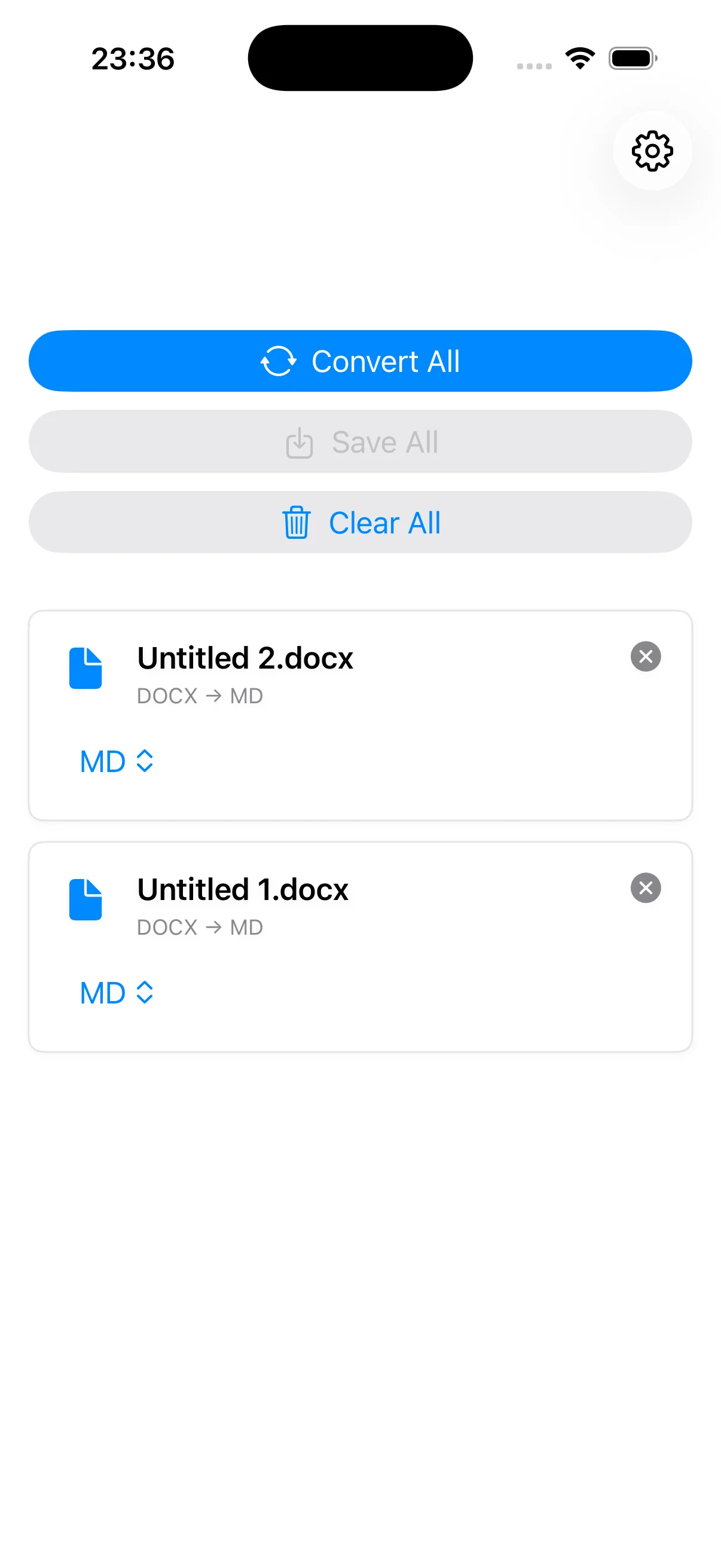
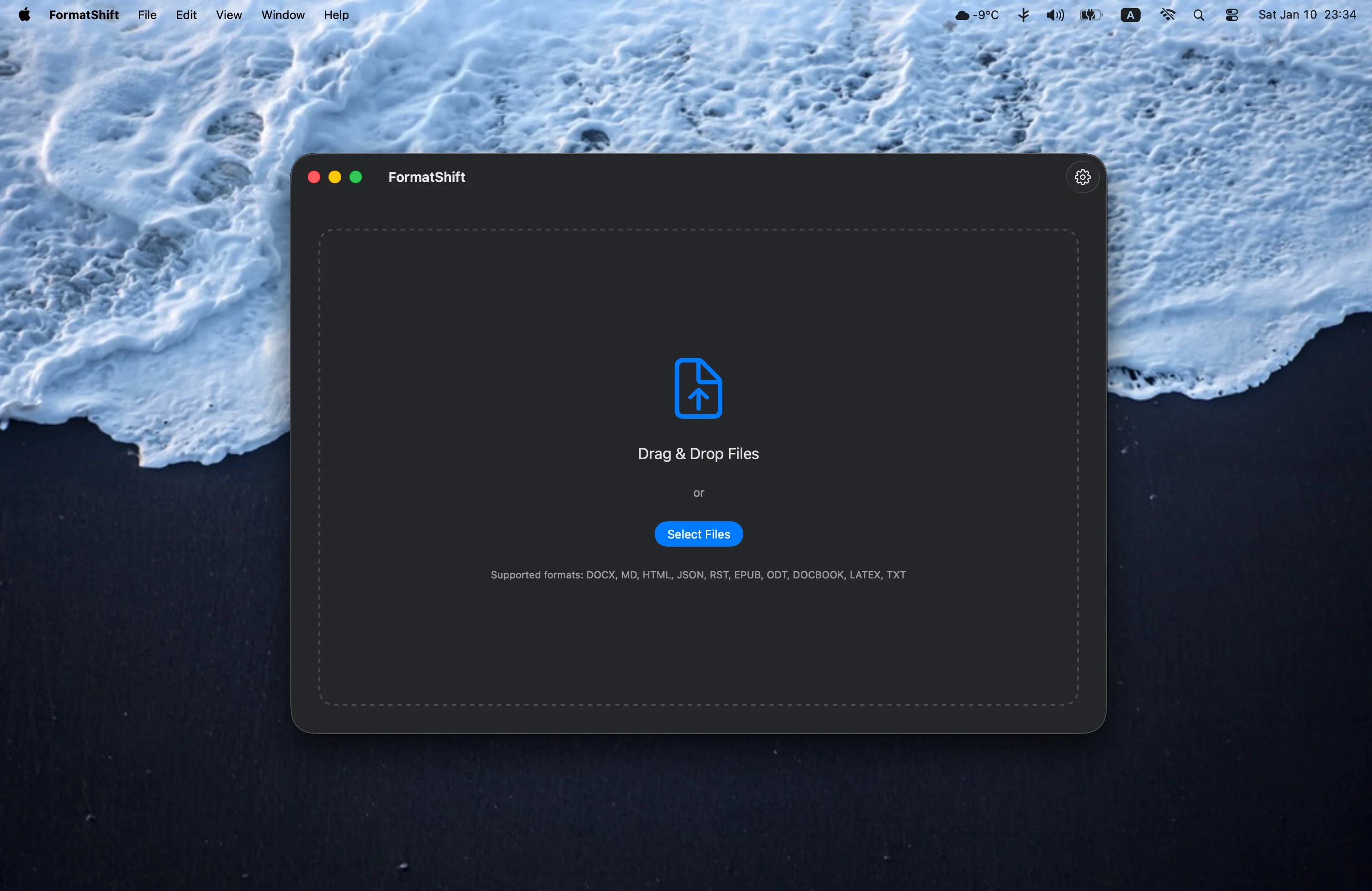
macOS
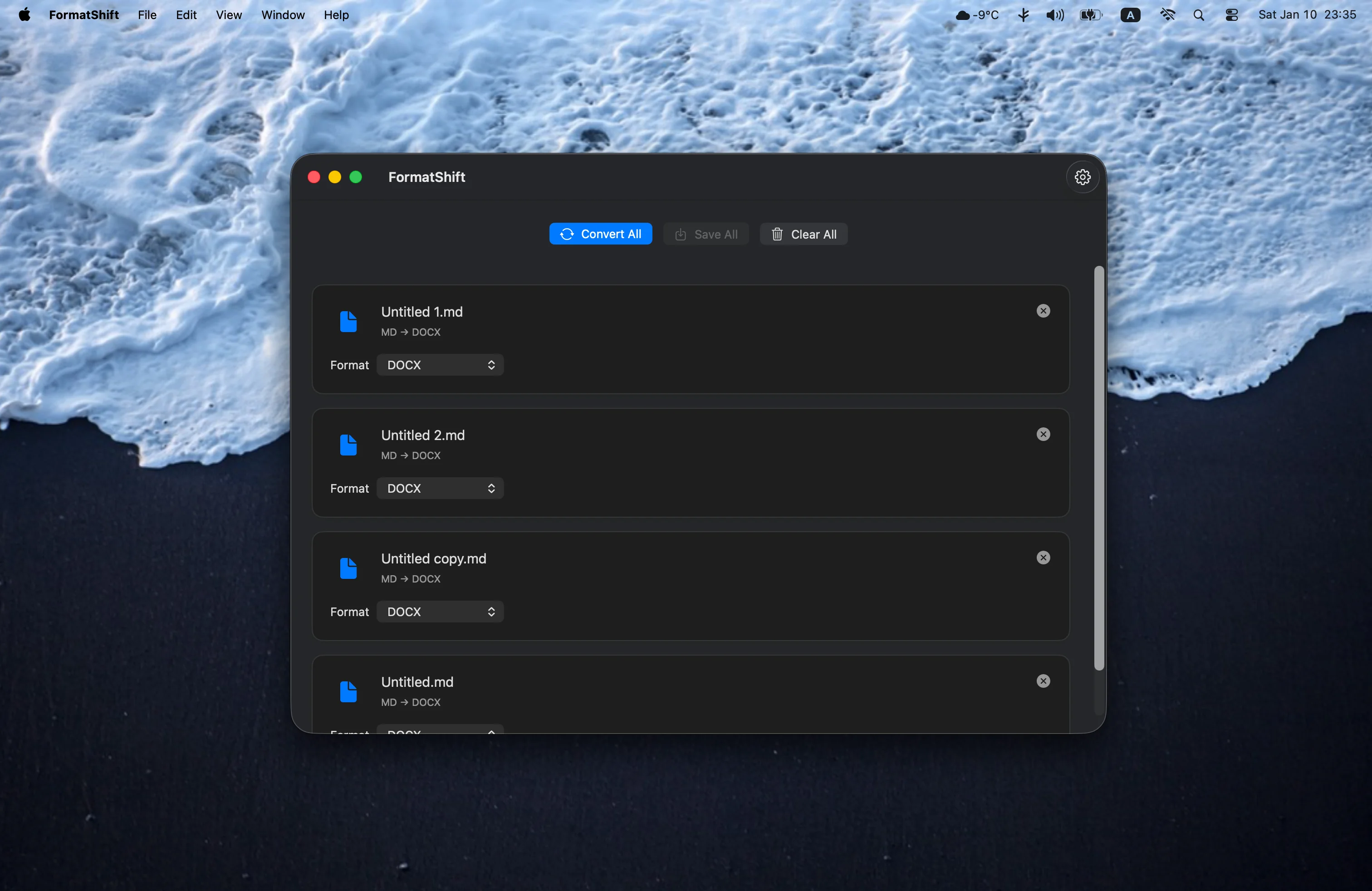
×
![Screenshot]()
Perfect For
📖
Academics & Researchers
Convert academic papers and research documents between formats
💼
Technical Writers
Transform technical documentation across different formats
📱
Content Creators
Convert content for different platforms and formats
🔒
Privacy-Conscious Users
Convert documents without compromising privacy or security
System Requirements
💻 macOS Version
- macOS 14.0 (Sonoma) or later
- Compatible with Apple Silicon (M1/M2/M3) and Intel Macs
- Sufficient storage space for document processing
📱 iOS Version
- iOS 17.0 or later
- Compatible with iPhone and iPad
- Optimized for all screen sizes
📄 Supported Formats
- Input: DOCX, MD, HTML, JSON, RST, EPUB, ODT, DocBook, LaTeX, TXT
- Output: DOCX, MD, HTML, JSON, RST, EPUB, ODT, DocBook, LaTeX, TXT
- Bidirectional conversion between all supported formats