Lumescape
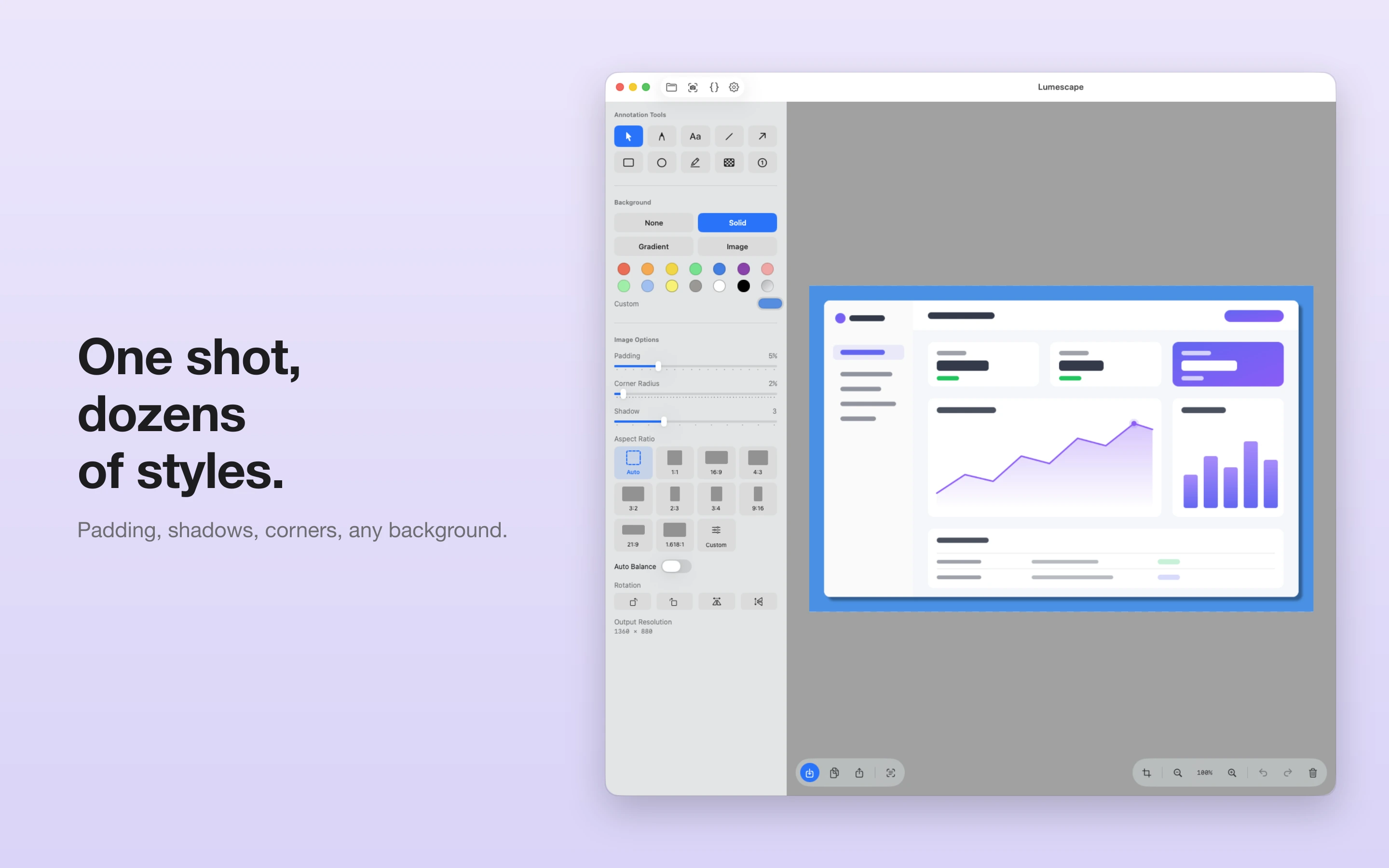
Make your screenshots look great — right on your Mac. Bring in a screenshot, frame it beautifully, annotate it, and get it ready to share in seconds.
Everything your screenshot needs
Beautiful backdrops
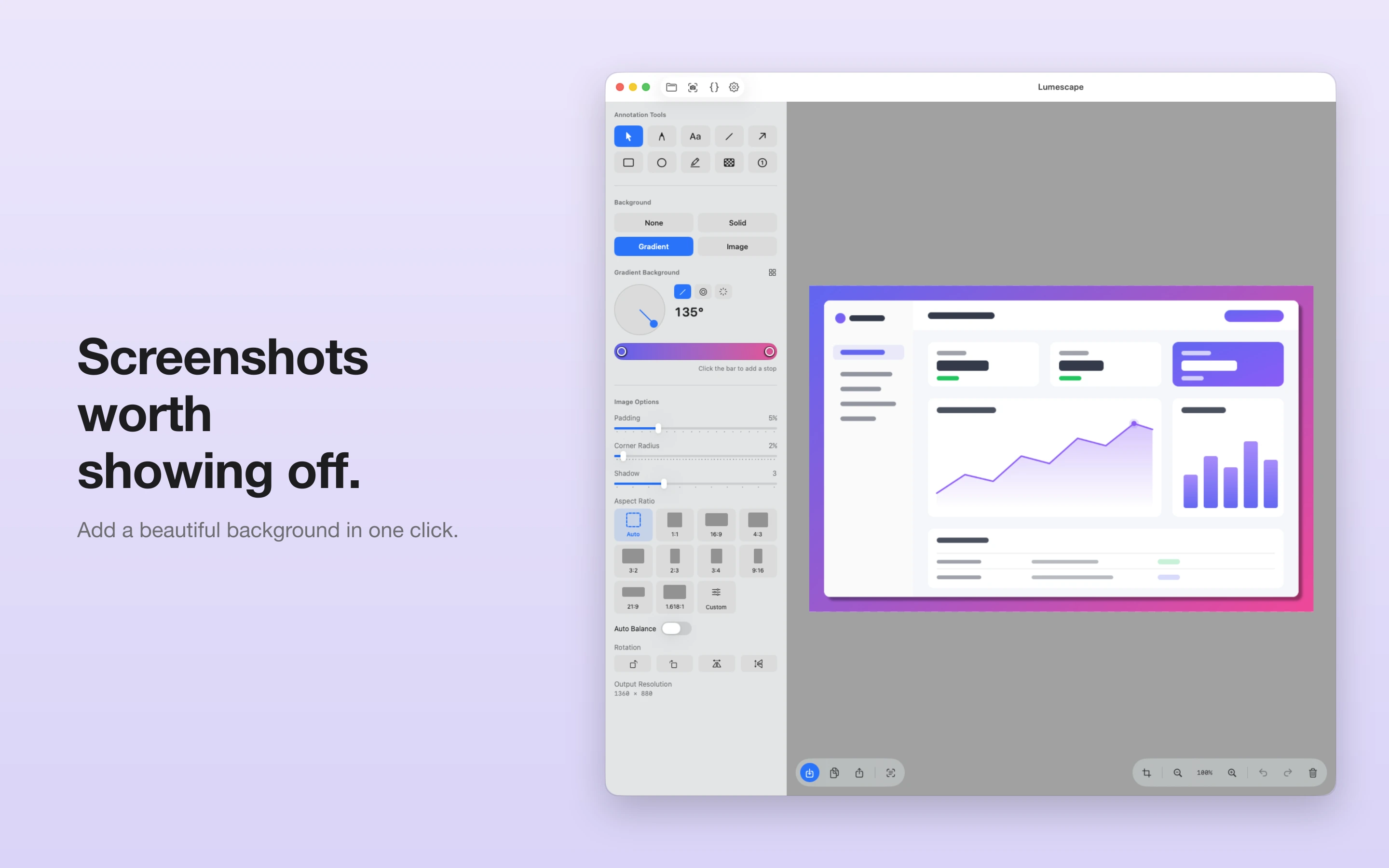
Choose solid colors, multi-stop gradients (linear, radial, conic), your own image, or none. Dial in padding, corner radius, shadow, and aspect ratio.
Annotate with precision
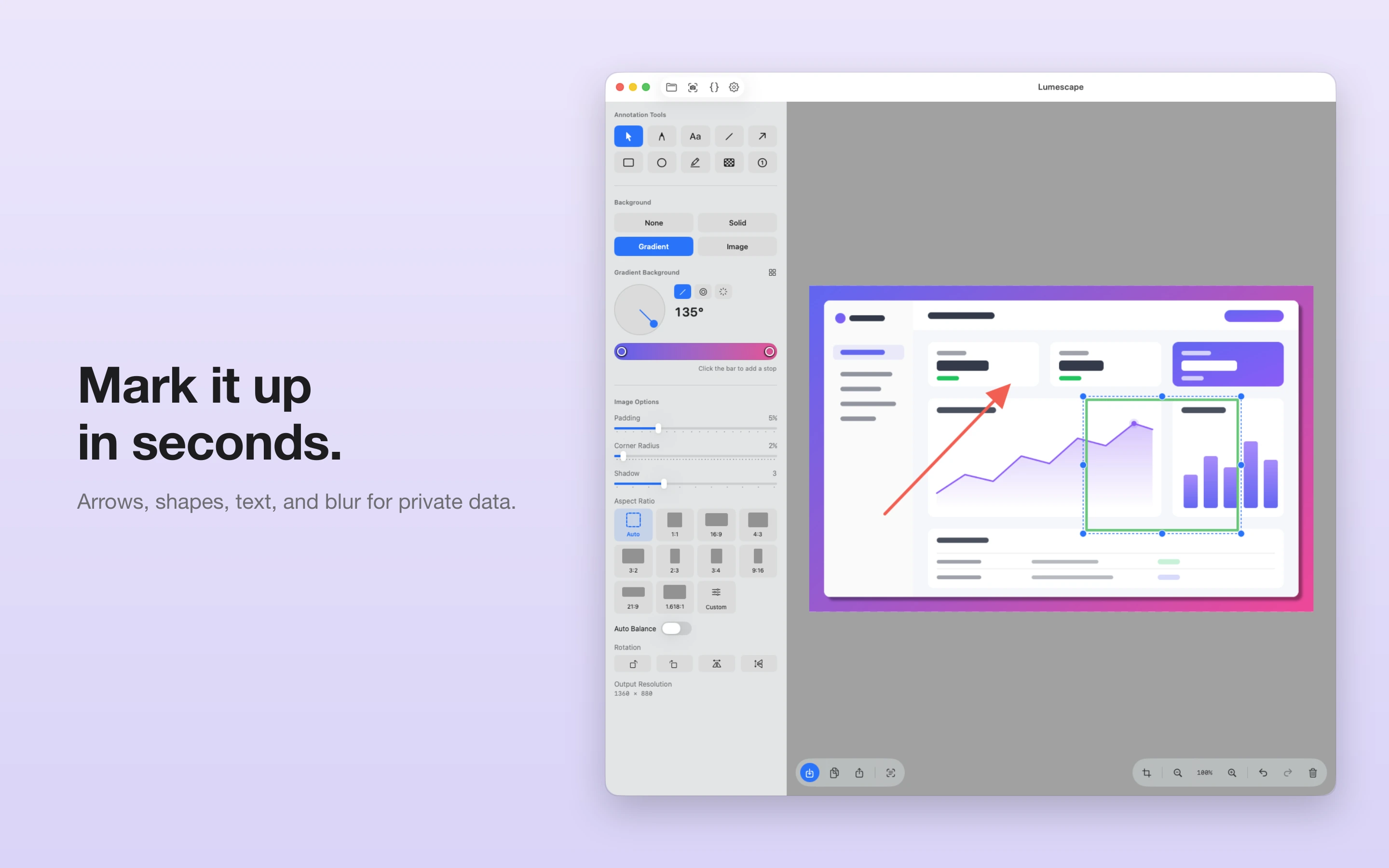
Arrows, lines, rectangles, ellipses, freehand pen, highlighter, text, numbered step markers, and blur to hide private data. Full undo/redo support.
Crop & transform
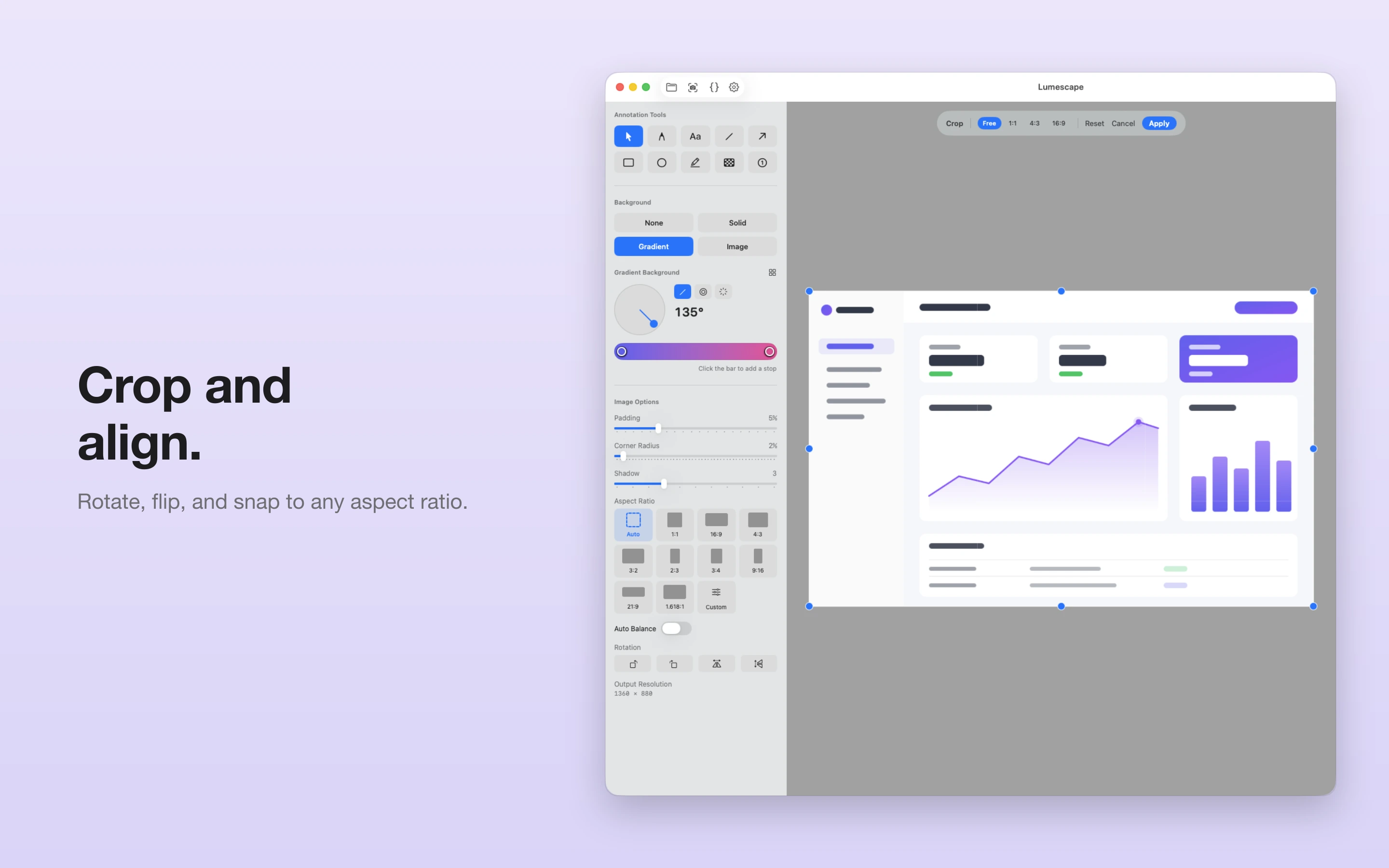
Interactive crop with aspect-ratio snapping, plus rotate, flip, and auto-balance to get every screenshot perfectly composed.
More than a framer
Capture a full screen or selected area, turn code into syntax-highlighted images, and pull text from any image with built-in OCR.
Screenshots
×
![Screenshot]()