AnSync
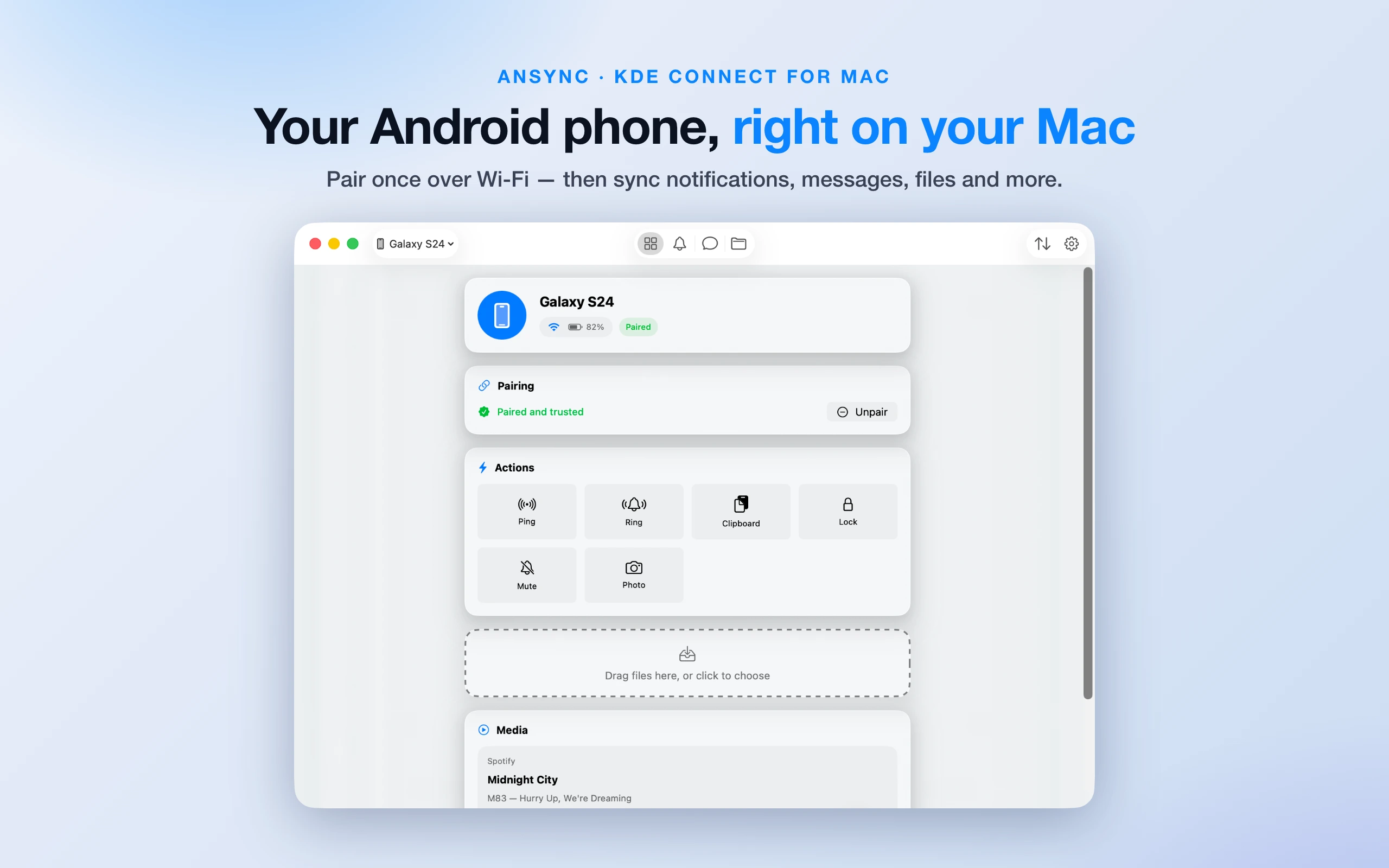
Bring your Android phone to your Mac. Pair once over Wi-Fi and your phone becomes a natural part of your desktop — notifications, messages, files, media and remote input. No cloud, no account, nothing leaves your network. Built on the open KDE Connect protocol.
Why AnSync?
Notifications & messages
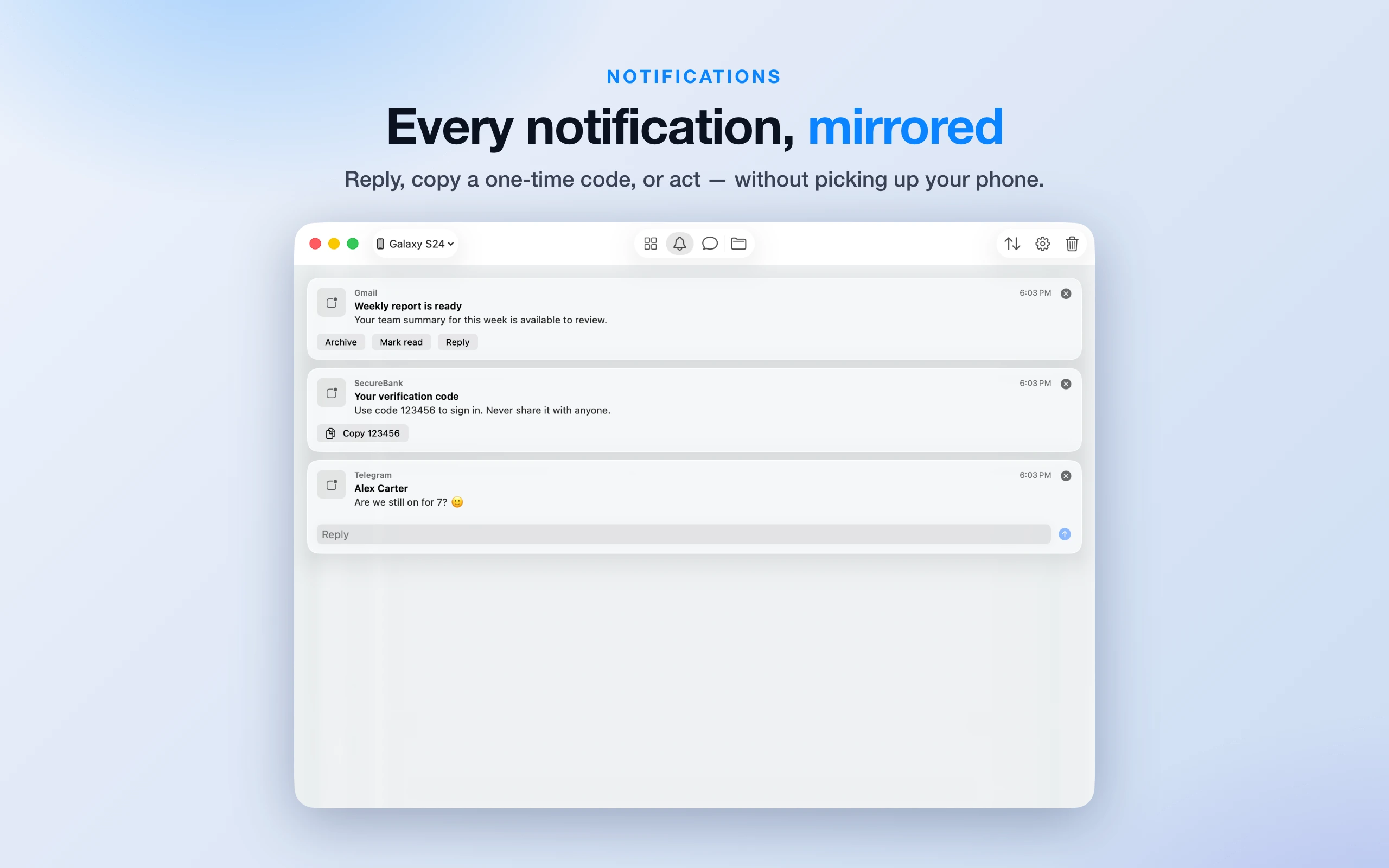
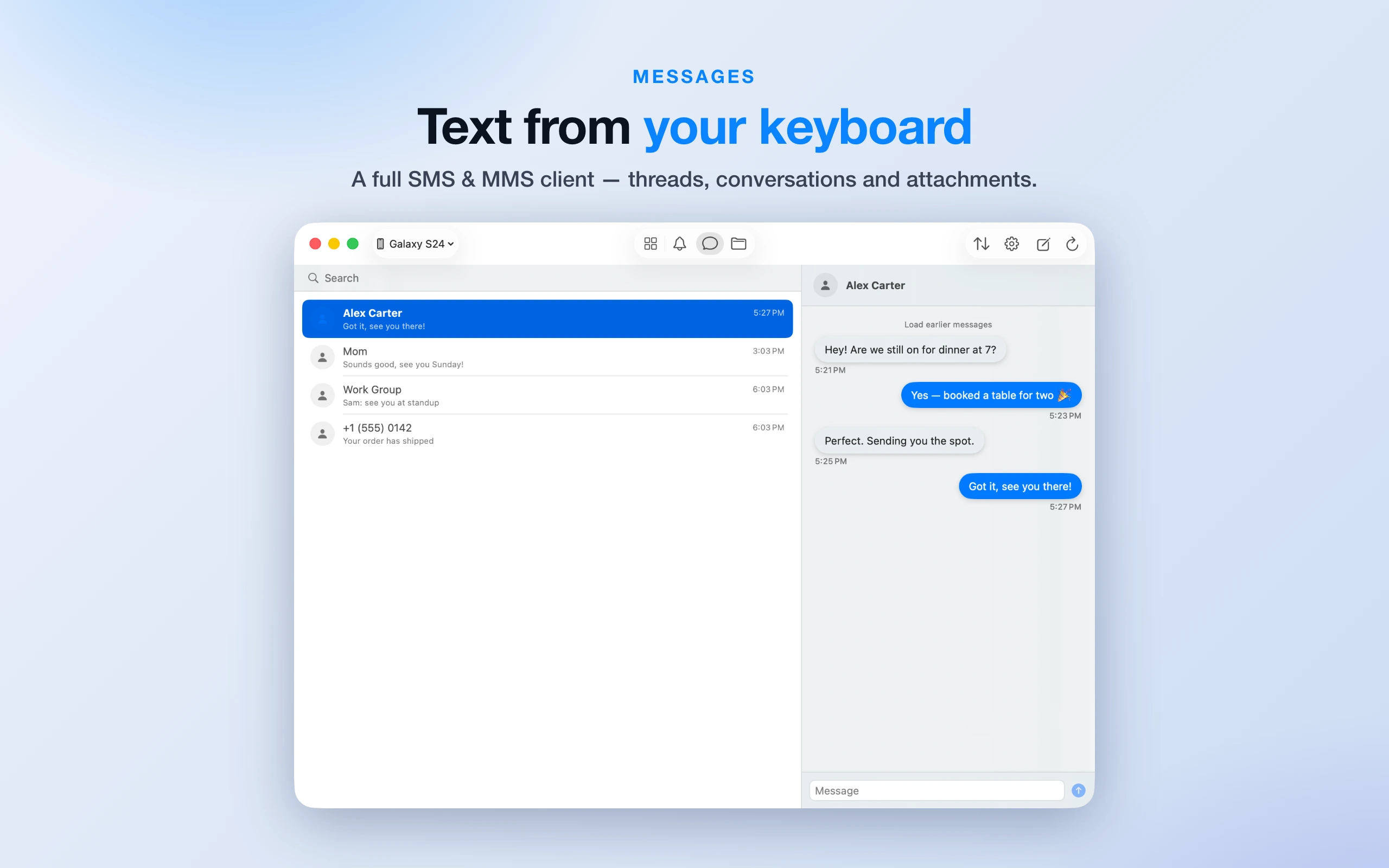
See your phone's notifications on your Mac, reply to messages inline, and copy one-time codes with a click. A full SMS & MMS client lets you text from your keyboard.
File transfer
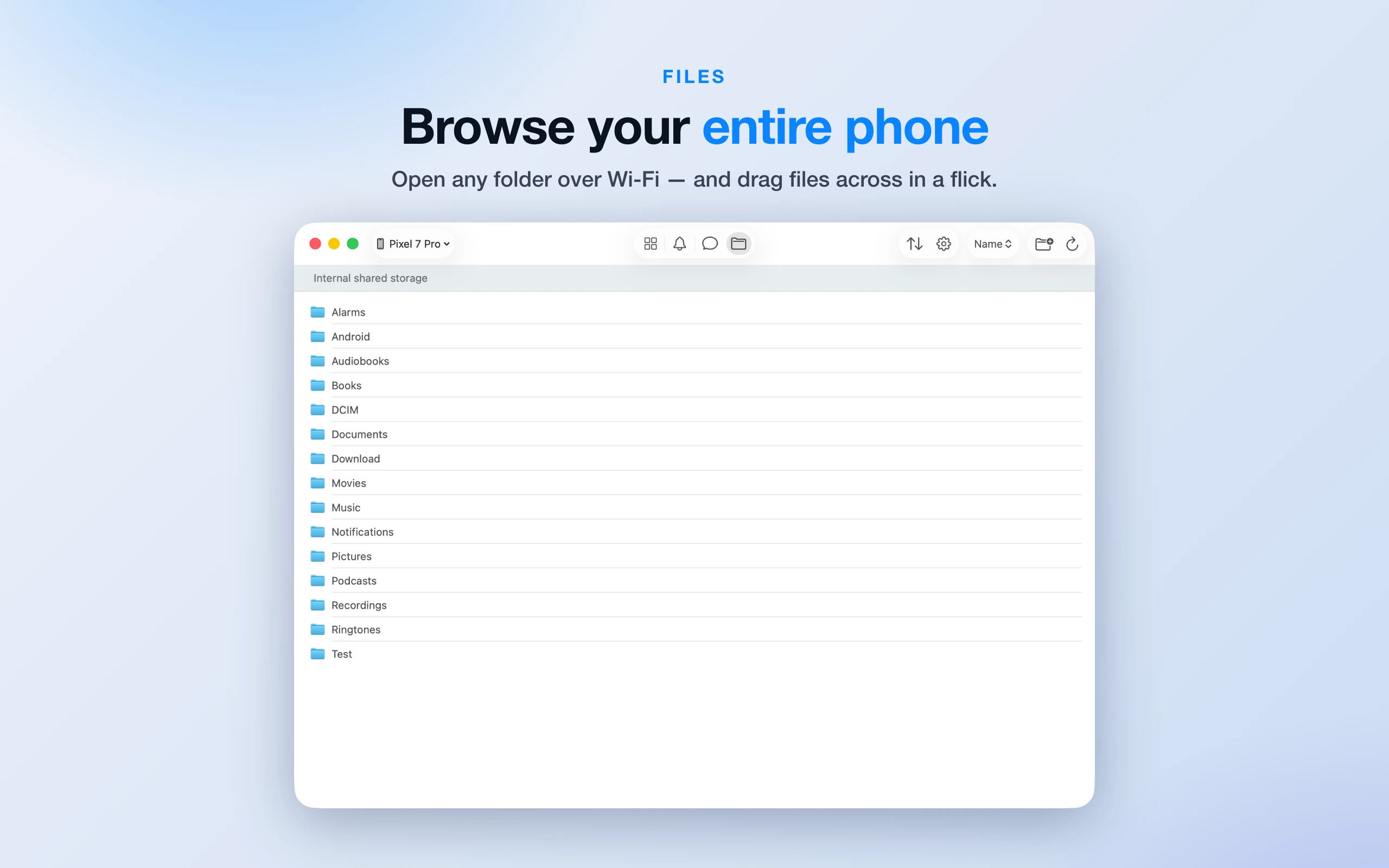
Drag and drop files to send them to your phone, and browse your phone's entire storage over Wi-Fi. Download, upload, rename and delete.
Media & quick actions
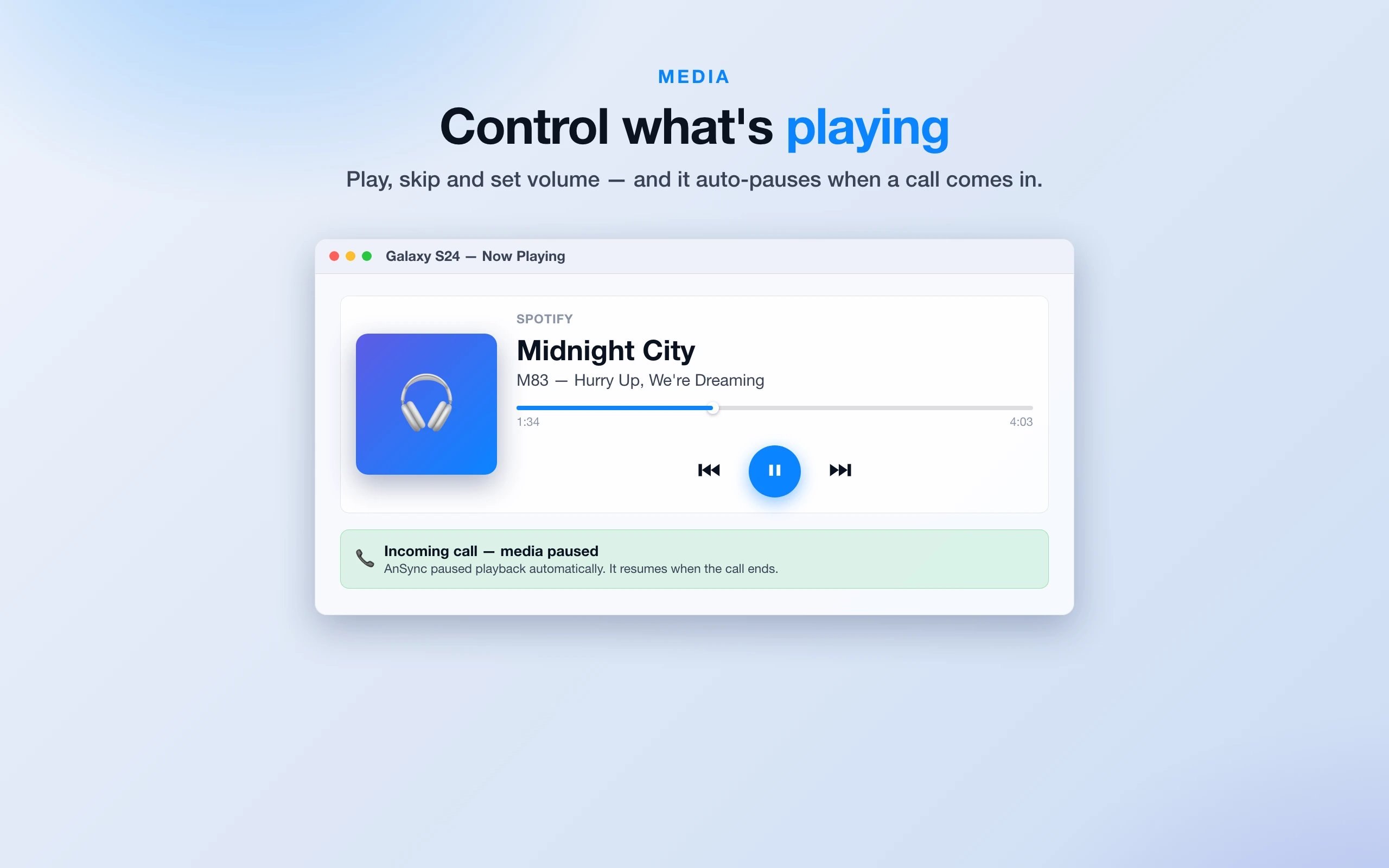
Control whatever is playing on your phone, ring or lock it remotely, share your clipboard both ways, and check battery and signal at a glance.
Private by design
100% local — a direct, encrypted connection between your devices over your own Wi-Fi. No account, no cloud, no tracking, no ads. Built for the Mac App Store with full sandbox protections.
Screenshots