
UpscalerAI
AI-Powered Image Upscaling
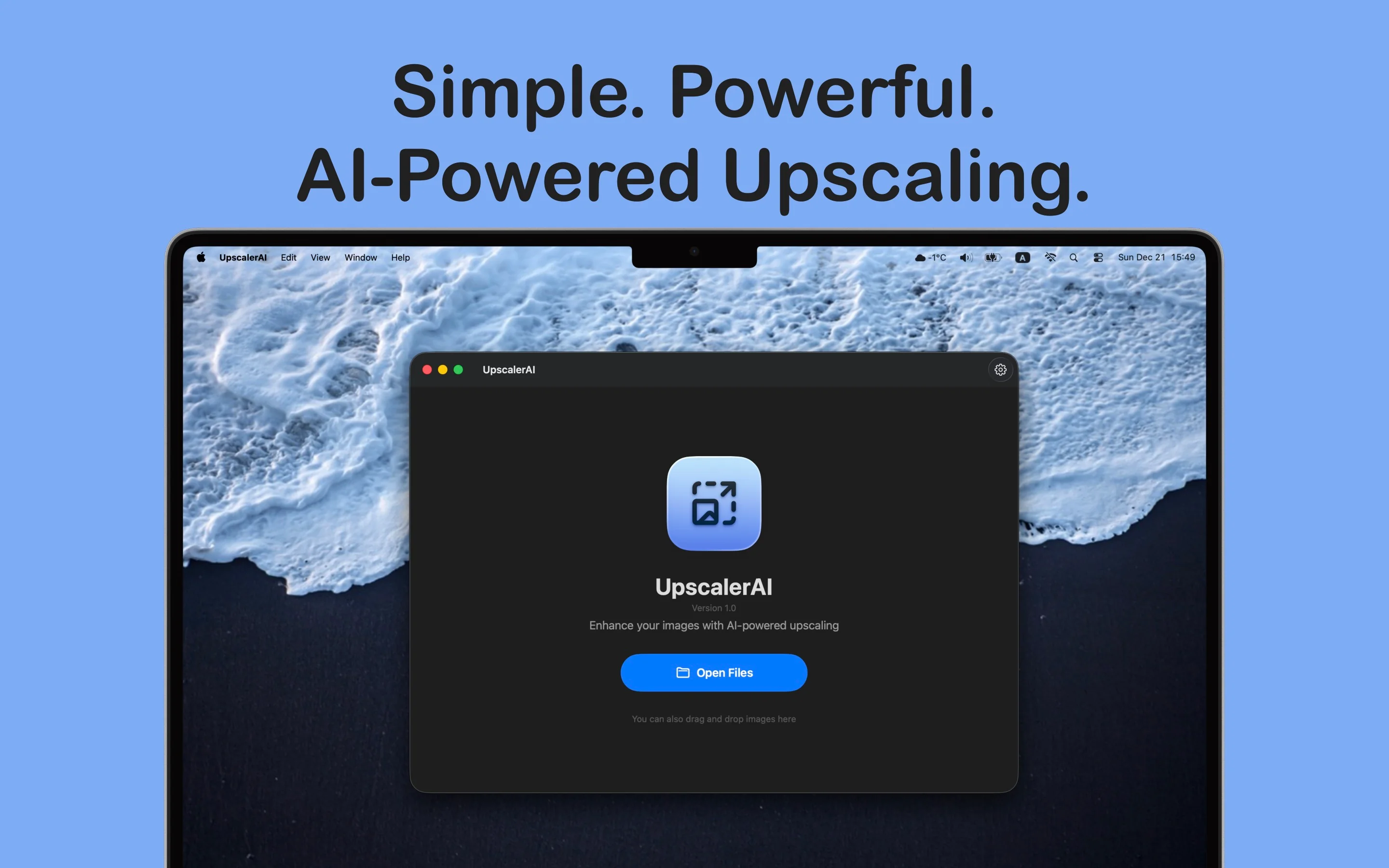
Transform your images with AI-powered upscaling, all processed entirely on your Mac. UpscalerAI brings professional-grade image enhancement directly to your device—no internet connection required, no data sent to servers, complete privacy guaranteed.
Key Features
100% On-Device Processing
Complete Privacy & Security
- ✓ All AI upscaling happens locally on your Mac
- ✓ Your images never leave your device
- ✓ No internet connection required for processing
- ✓ No data sent to external servers or third-party services
- ✓ Complete privacy and security guaranteed
Advanced AI Models
Real-ESRGAN Technology
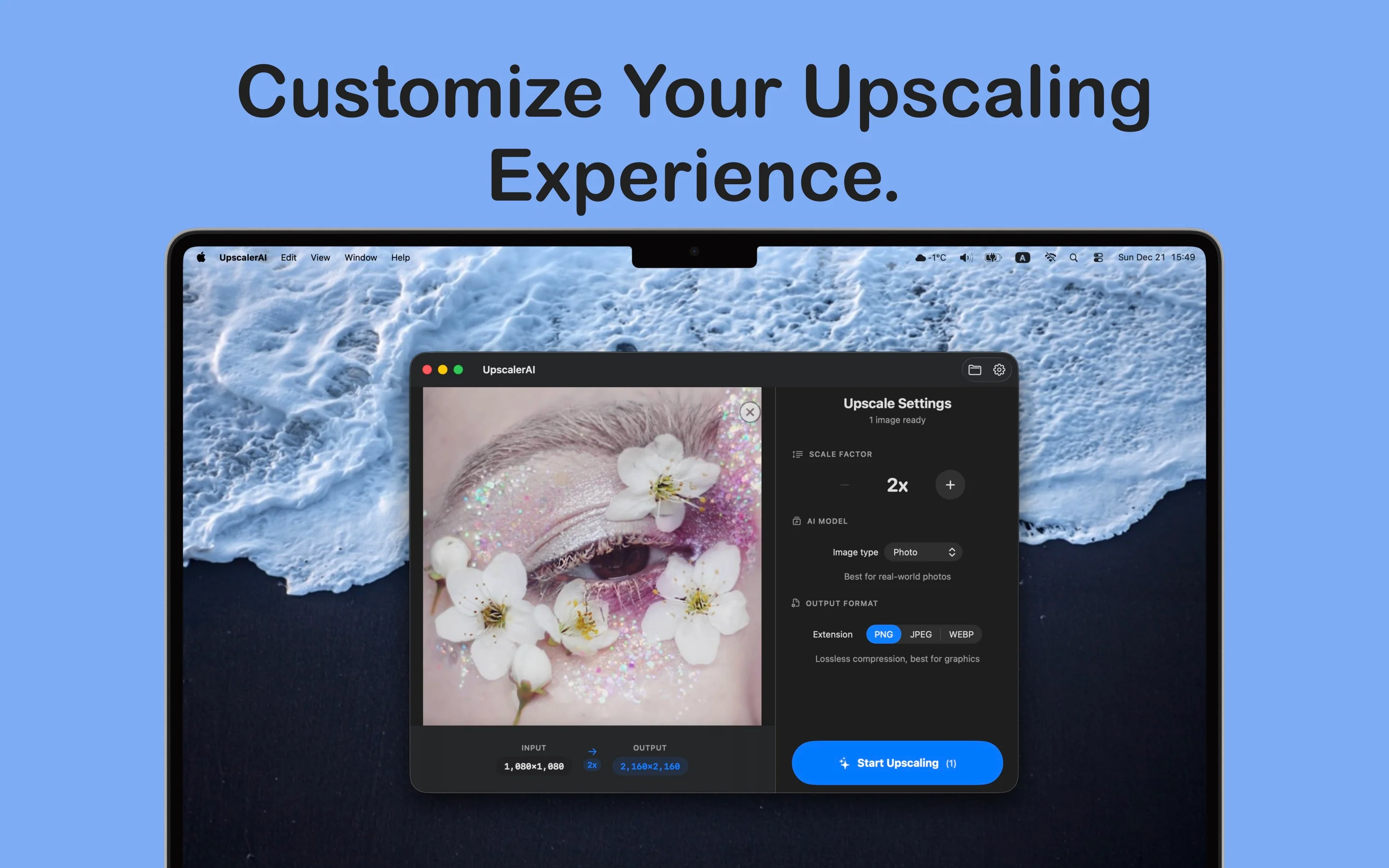
- ✓ Choose from two powerful Real-ESRGAN models
- ✓ Photo Model: Optimized for real-world photographs
- ✓ Digital Art Model: Perfect for illustrations and anime
- ✓ Exceptional quality and detail preservation
- ✓ Professional-grade results
Flexible Scaling
2x to 4x Upscaling
- ✓ Upscale your images from 2x to 4x
- ✓ Maintain exceptional quality and detail
- ✓ Preserve image sharpness and clarity
- ✓ Perfect for print and digital use
Multiple Output Formats
PNG, JPEG, WebP
- ✓ Save enhanced images in PNG format
- ✓ Export as JPEG for smaller file sizes
- ✓ WebP support for modern workflows
- ✓ Suit your workflow needs
Batch Processing
Process Multiple Images
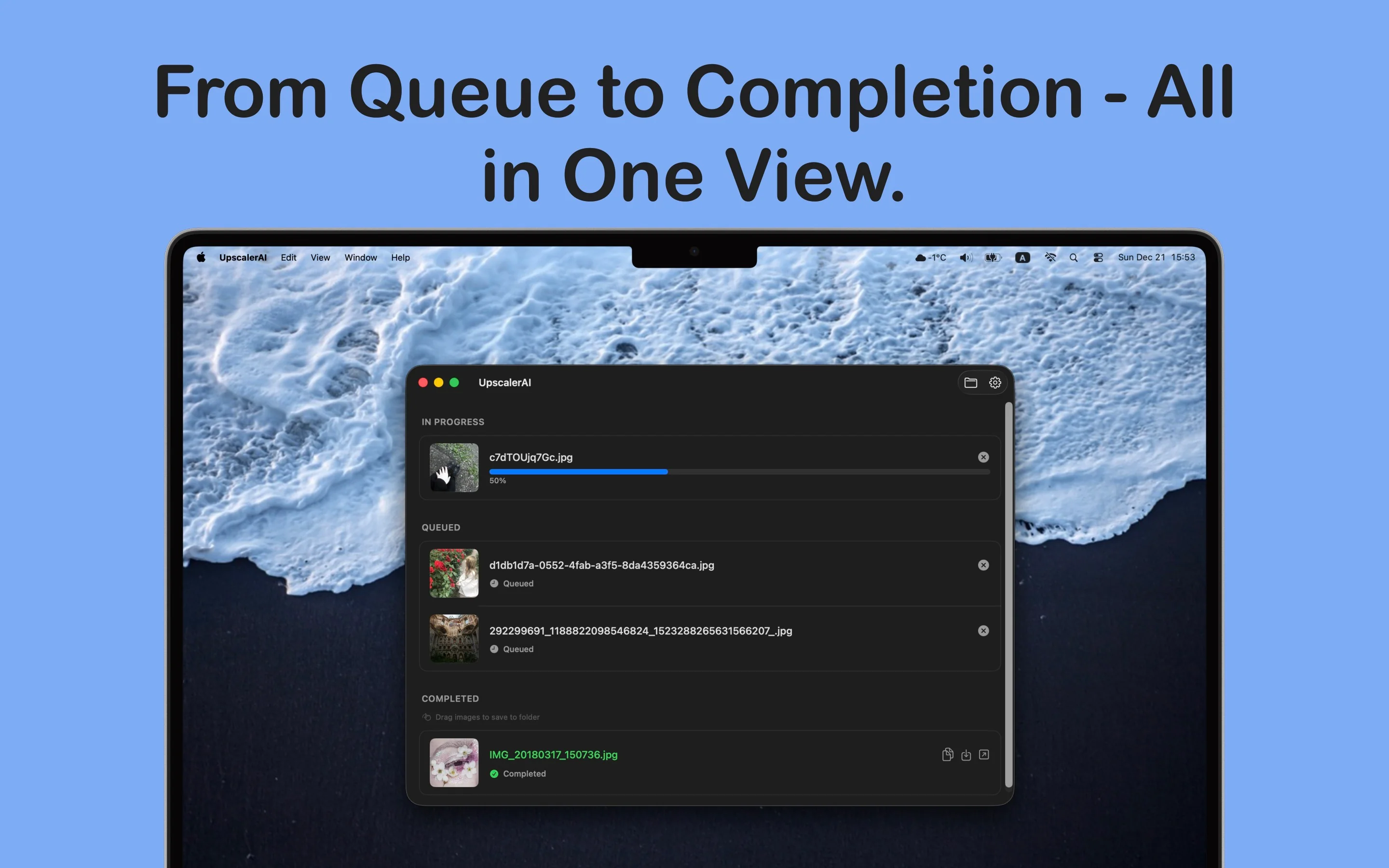
- ✓ Process multiple images at once
- ✓ Intuitive queue system
- ✓ Track progress in real-time
- ✓ Manage your workflow efficiently
- ✓ Save individual results or export all at once
Seamless macOS Integration
Native SwiftUI Design
- ✓ Native SwiftUI design
- ✓ Drag and drop images directly into the app
- ✓ Paste from clipboard
- ✓ Use the file picker
- ✓ Feels right at home on macOS
Smart Queue Management
Full Control
- ✓ Monitor processing progress
- ✓ Save individual results
- ✓ Export all completed images at once
- ✓ Cancel operations anytime
- ✓ Full control over your workflow
EXIF Orientation Support
Automatic Handling
- ✓ Automatically handles image orientation metadata
- ✓ Correct display and processing
- ✓ Preserves image metadata
Screenshots
×
![Screenshot]()
Perfect For
📷
Photographers
Restore old photos and enhance image quality for print
🎨
Digital Artists
Upscale artwork and illustrations while preserving detail
🎯
Designers
Prepare images for high-resolution displays and presentations
🔒
Privacy-Conscious Users
Enhance images without compromising privacy or security
System Requirements
💻 macOS Version
- macOS 14.0 (Sonoma) or later
- Compatible with Apple Silicon (M1/M2/M3) and Intel Macs
- Sufficient storage space for AI models and processing
🖼️ Supported Formats
- Input: PNG, JPEG, WebP, and other common formats
- Output: PNG, JPEG, WebP
- EXIF orientation metadata support
⚡ Performance
- Processing speed depends on image size and model selected
- Apple Silicon Macs provide optimal performance
- All processing happens locally on your device