MusicRPC
Share Your Music with Friends
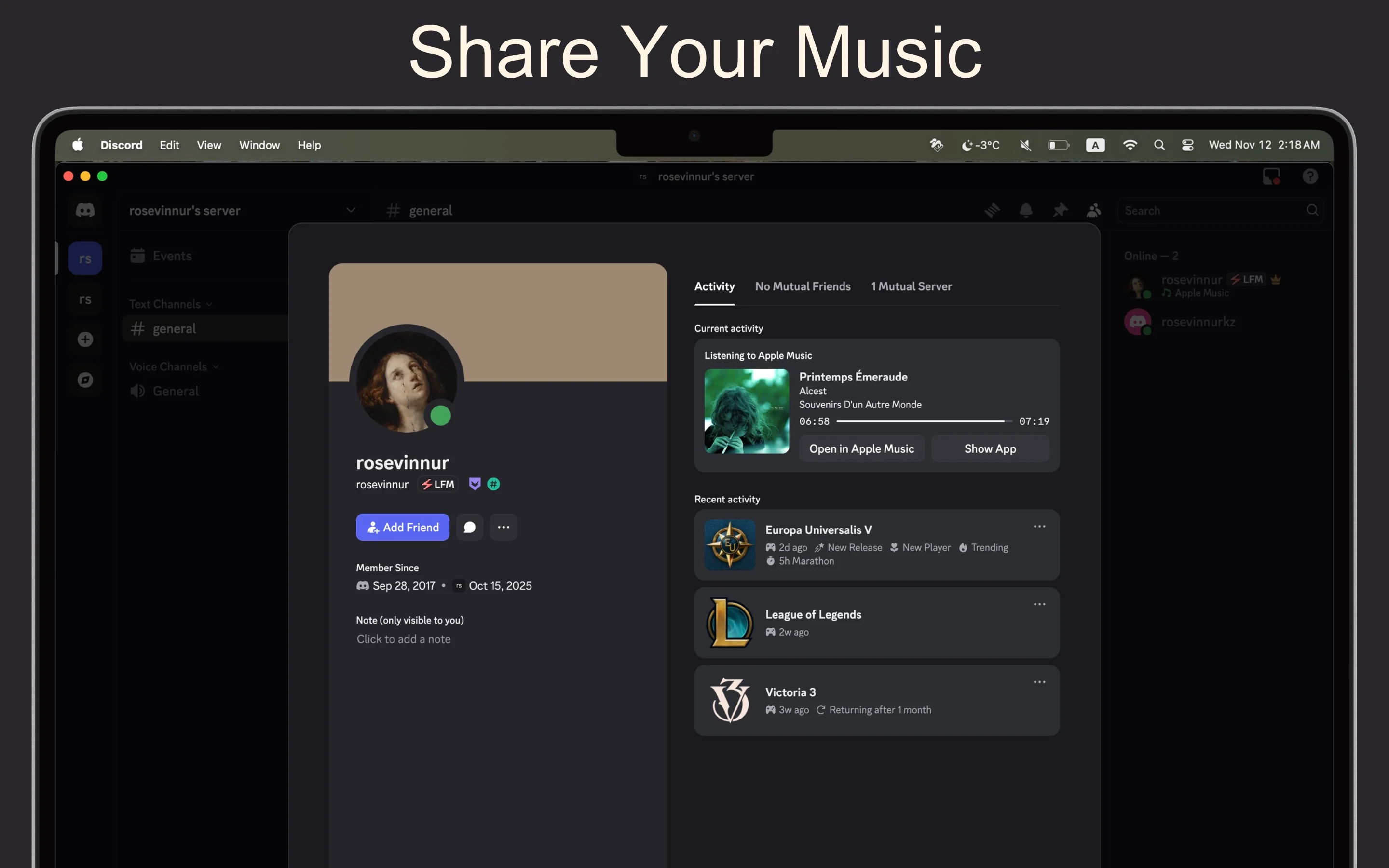
Connect Apple Music with Discord Rich Presence. Show your friends what you're listening to in real-time with beautiful album covers and automatic updates.
Why Choose MusicRPC?
Automatic Rich Presence
Seamless Integration
- ✓ Real-time status updates when you switch tracks
- ✓ Beautiful high-quality album artwork display
- ✓ Shows track name, artist, and album information
- ✓ Playback state indicator (playing/paused)
- ✓ Works with any Apple Music content
Privacy First
Your Data, Your Control
- ✓ All data processed locally on your Mac
- ✓ No information sent to third-party servers
- ✓ Minimal system permissions required
- ✓ Full compliance with Apple's privacy guidelines
- ✓ Secure and transparent operation
Easy to Use
Simple & Powerful
- ✓ One-click launch - no complex configuration
- ✓ Automatic startup when your Mac boots
- ✓ Runs silently in the background
- ✓ Modern, native macOS interface
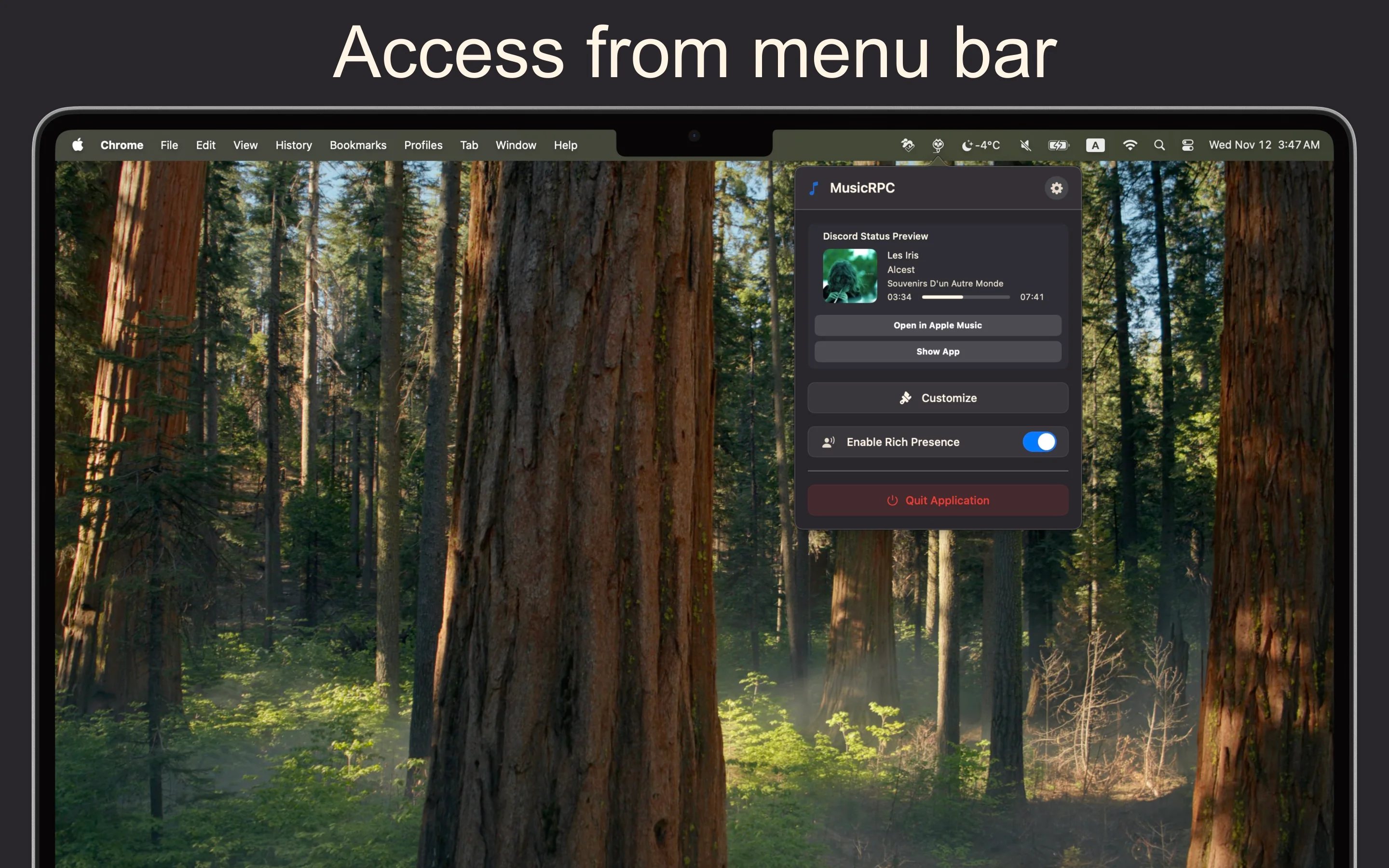
- ✓ Menu bar integration for quick access
Multilingual Support
Built for Everyone
- ✓ Available in 5 languages: English, Russian, French, Spanish, German
- ✓ Automatic language detection based on system settings
- ✓ Localized interface and messages
- ✓ Growing language support
Lightweight & Efficient
Performance Optimized
- ✓ Minimal CPU and memory usage
- ✓ No impact on music playback
- ✓ Fast album artwork loading
- ✓ Optimized for Apple Silicon and Intel Macs
- ✓ Works with macOS 14.0 and later
Screenshots
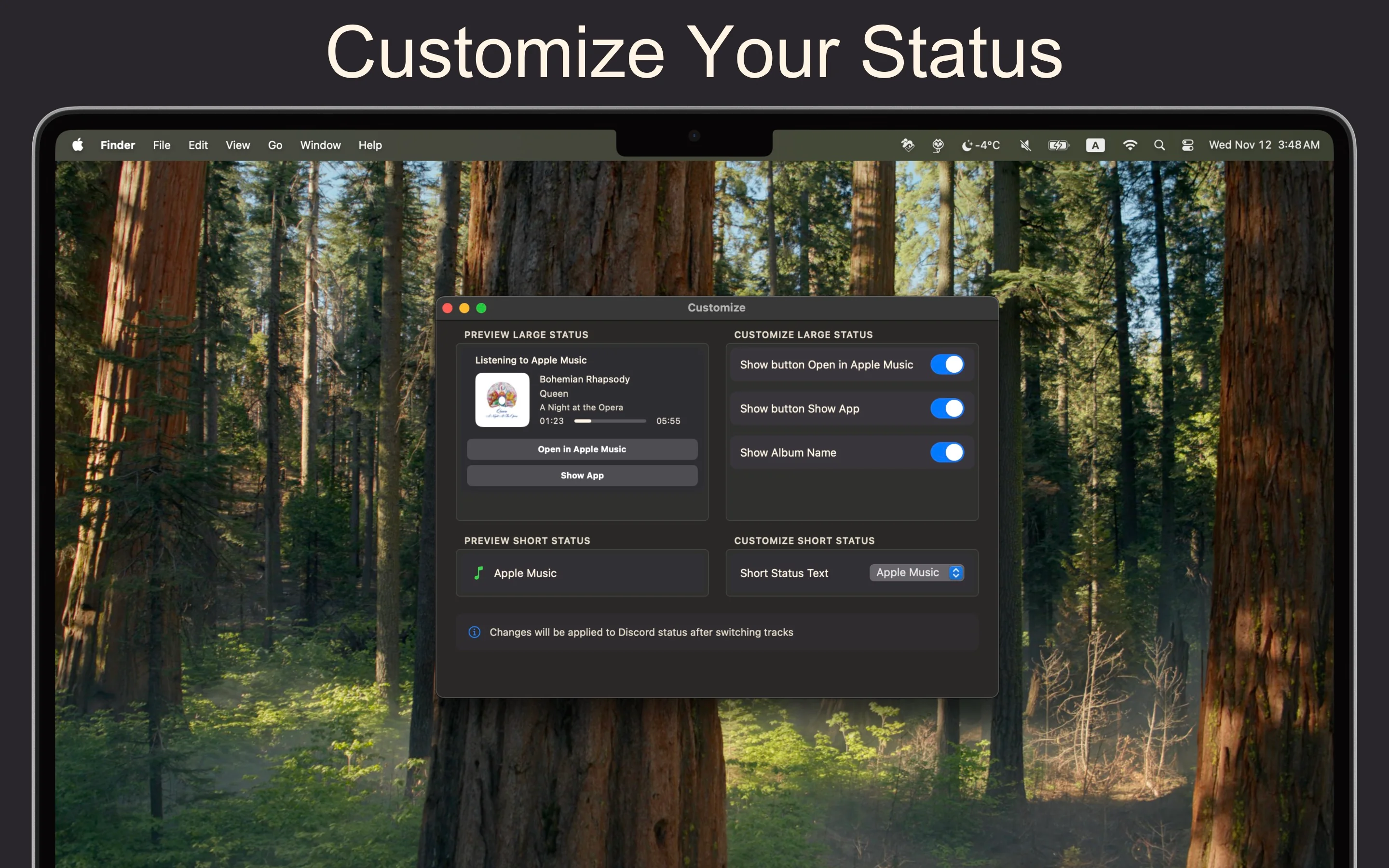
×
![Screenshot]()
Get Started in 3 Simple Steps
1
Install
Download & Install MusicRPC
Download the latest version for macOS. Simply drag the app to your Applications folder and launch it.
2
Launch
Open Apple Music & Discord
Make sure both Apple Music and Discord are running. MusicRPC will automatically detect them.
3
Enjoy
Start Listening
Play any track in Apple Music and watch your Discord status update automatically!
System Requirements
💻 macOS Version
- macOS 14.0 (Sonoma) or later
- Compatible with Apple Silicon (M1/M2/M3) and Intel Macs
📱 Required Applications
- Apple Music: Pre-installed on macOS (subscription not required)
- Discord: Desktop app or web version
🔑 Permissions
- Apple Music library access (for track information)
- Background app permissions (for continuous monitoring)