EyeAway
Reduce digital eye strain with smart reminders based on the scientifically-backed 20-20-20 rule. A lightweight menu bar app that helps you maintain healthier screen time habits.
Why Choose EyeAway?
Menu Bar Integration
Lightweight & Unobtrusive
- ✓ Lives quietly in your menu bar
- ✓ Never interrupts your workflow
- ✓ Quick access when you need it
- ✓ Minimal system resource usage
Smart Timer System
Intelligent Break Management
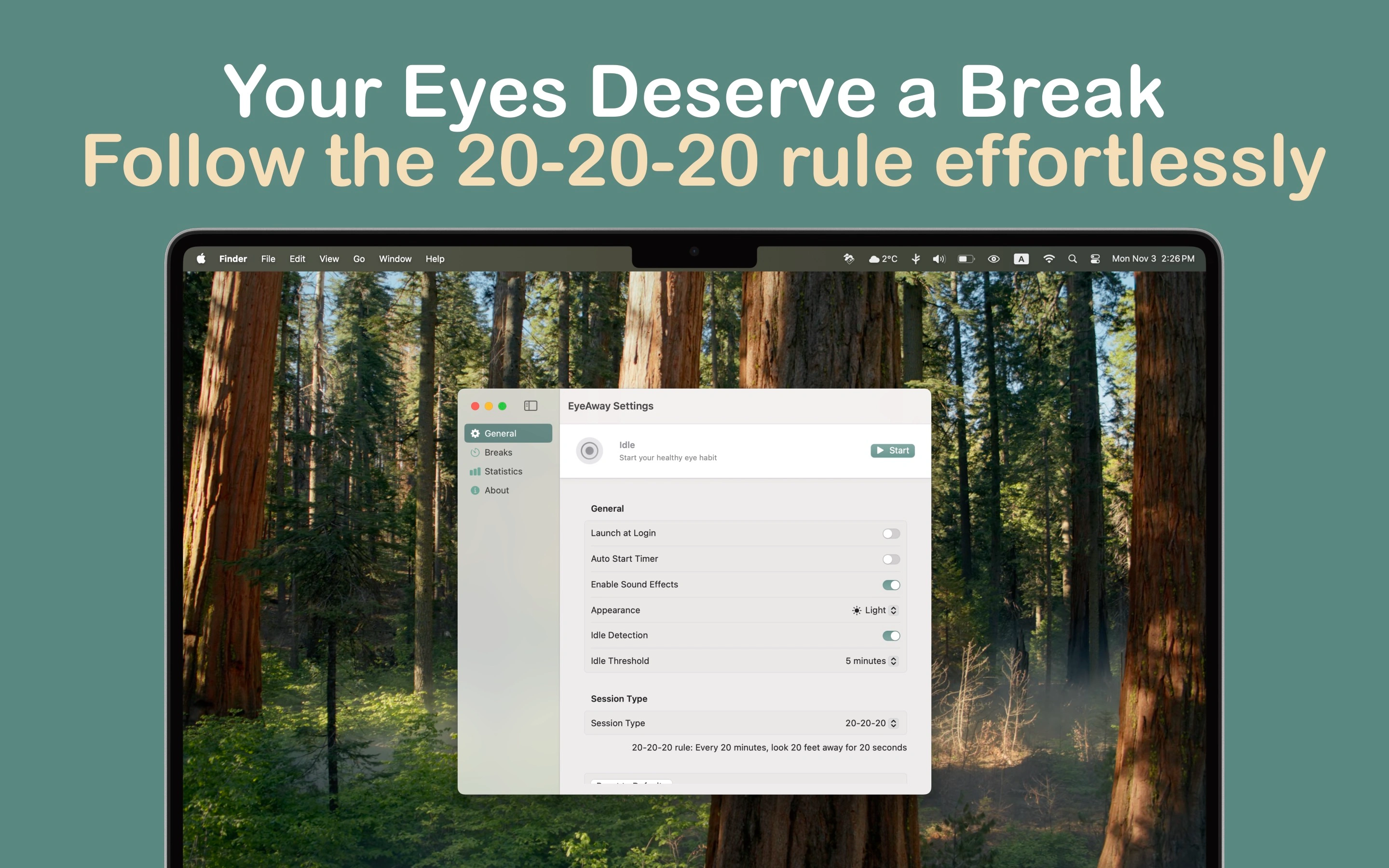
- ✓ Customizable work/break intervals
- ✓ Automatic pause when away from Mac
- ✓ Pomodoro mode with 25/5 cycles
- ✓ Flexible intervals from 10-60 minutes
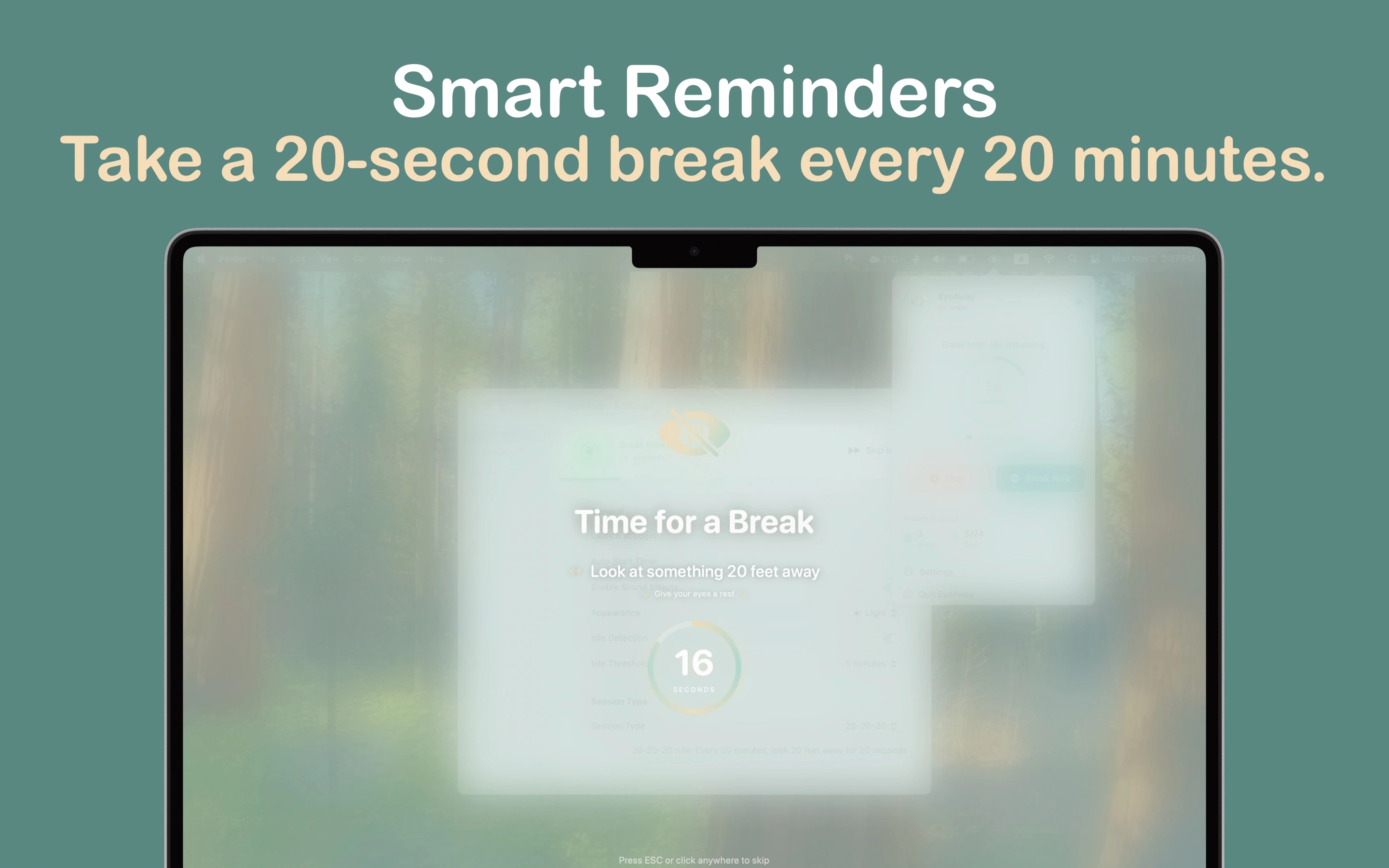
Screen Blur During Breaks
Gentle Reminder Enforcement
- ✓ Beautiful screen blur during breaks
- ✓ Helps you actually take breaks
- ✓ Multiple break styles available
- ✓ Optional guided eye exercises
Pre-Break Notifications
Stay Prepared
- ✓ 30-second warning before breaks
- ✓ Optional sound effects
- ✓ Customizable notification styles
- ✓ Never miss an important reminder
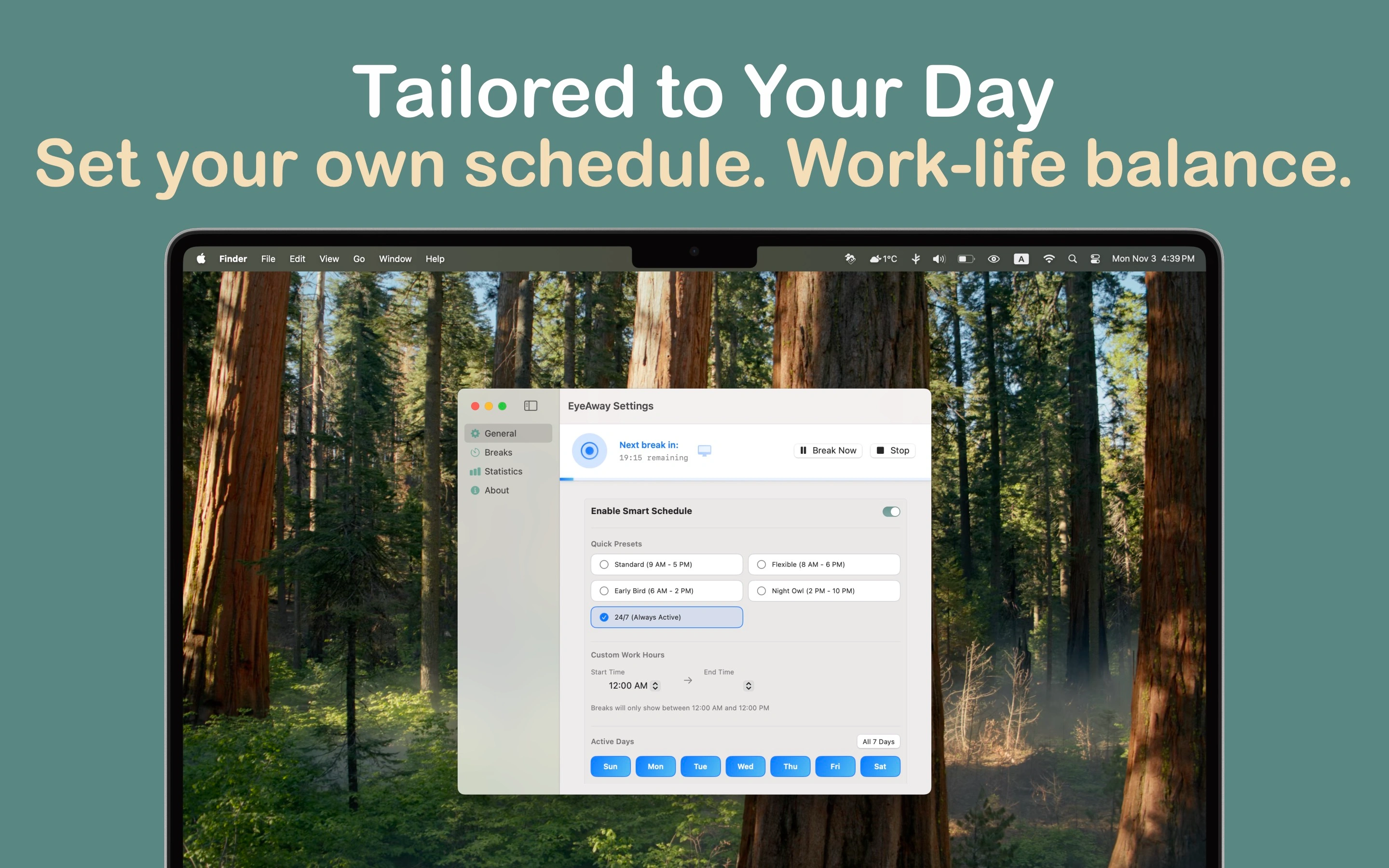
Smart Schedule System
Work-Life Balance
- ✓ Set custom work hours
- ✓ Choose active days for reminders
- ✓ 5 quick presets available
- ✓ Manual override when needed
Water Reminders
Stay Hydrated
- ✓ Smart hydration reminders
- ✓ Blur screen or ambient pop-up styles
- ✓ 30min to 2 hour intervals
- ✓ 8 preset messages & 16 water icons
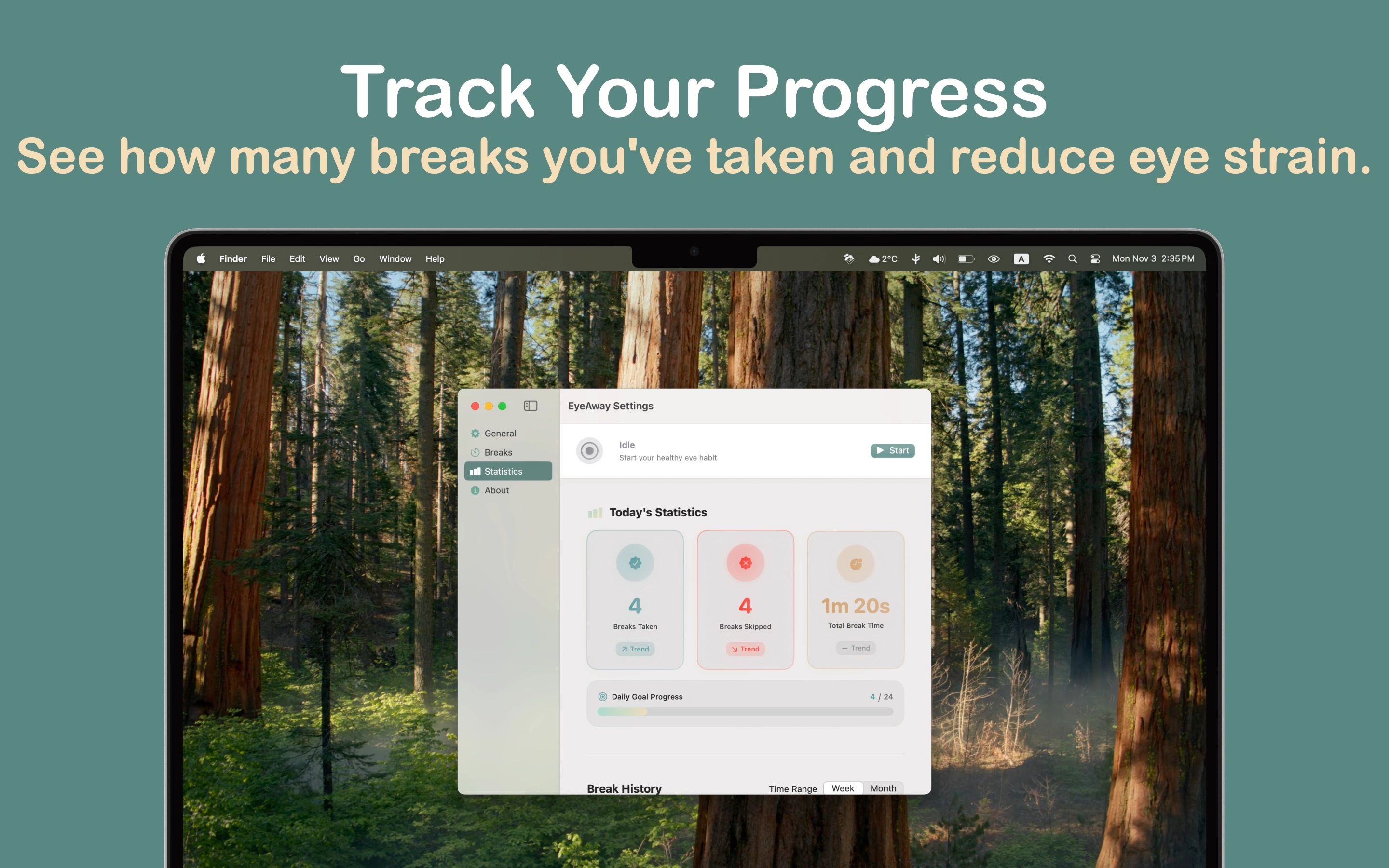
Insights & Analytics
Track Your Progress
- ✓ Daily statistics with beautiful charts
- ✓ Streak tracking for healthy habits
- ✓ Personalized recommendations
- ✓ Usage insights and patterns
Customization Options
Make It Yours
- ✓ Multiple theme options (Default, Random, Custom)
- ✓ 16 professional SF Symbol icons
- ✓ Custom colors and opacity
- ✓ Personalized messages
Privacy-First
Your Data Stays Local
- ✓ Zero data collection
- ✓ Everything stays on your Mac
- ✓ No internet required
- ✓ Full VoiceOver support
Auto-Start & Launch
Set It and Forget It
- ✓ Automatically start timer on launch
- ✓ Launch at login option
- ✓ Modern SMAppService technology
- ✓ One-click toggle controls
Screenshots
×
![Screenshot]()
Get Started in 3 Simple Steps
1
Install
Download EyeAway
Get the app from the Mac App Store. Simply install and launch it.
2
Configure
Set Your Preferences
Choose your work intervals, break styles, and customize themes. Set your work schedule for intelligent reminders.
3
Relax
Let EyeAway Work
The app will remind you to take breaks following the 20-20-20 rule. Track your progress and build healthy habits.
System Requirements
💻 macOS Version
- macOS 13.0 (Ventura) or later
- Compatible with Apple Silicon (M1/M2/M3) and Intel Macs
🔑 Permissions
- Screen recording access (for blur effect during breaks)
- Background app permissions (for continuous monitoring)
- All permissions requested with clear explanations
♿️ Accessibility
- Full VoiceOver support
- Dynamic Type compatibility
- Reduced Motion support
- Works completely offline