
Audioscrobbler
Automatically track your Apple Music listening on Last.fm
des excuses
by Pomme
on des excuses - Single
Why Choose Audioscrobbler?
Automatic Tracking
Seamlessly tracks your Apple Music listening and automatically sends data to your Last.fm account. No manual work required!
Secure Authentication
Safe OAuth login with Last.fm. Your data stays private and secure with industry-standard encryption.
Beautiful Interface
Modern, clean design built with SwiftUI. See your current track with album artwork and playback progress.
Smart Settings
Control your privacy with private sessions, auto-start options, and intelligent scrobbling rules.
Smart Detection
Intelligently detects when you're actually listening and only scrobbles tracks you've heard for 60% or more.
macOS Optimized
Built specifically for macOS with support for both current and future versions. Works perfectly with your Mac.
Screenshots
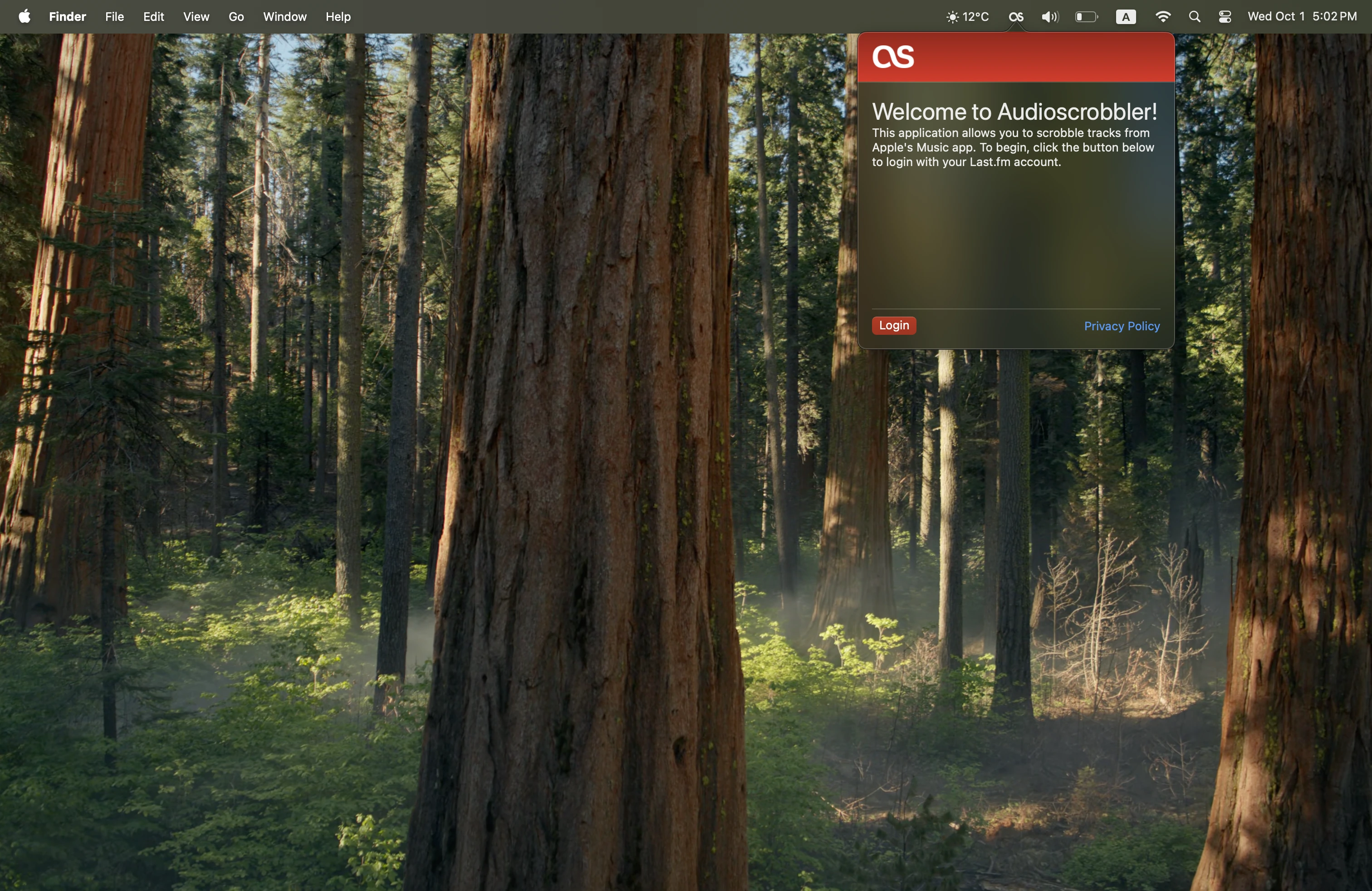
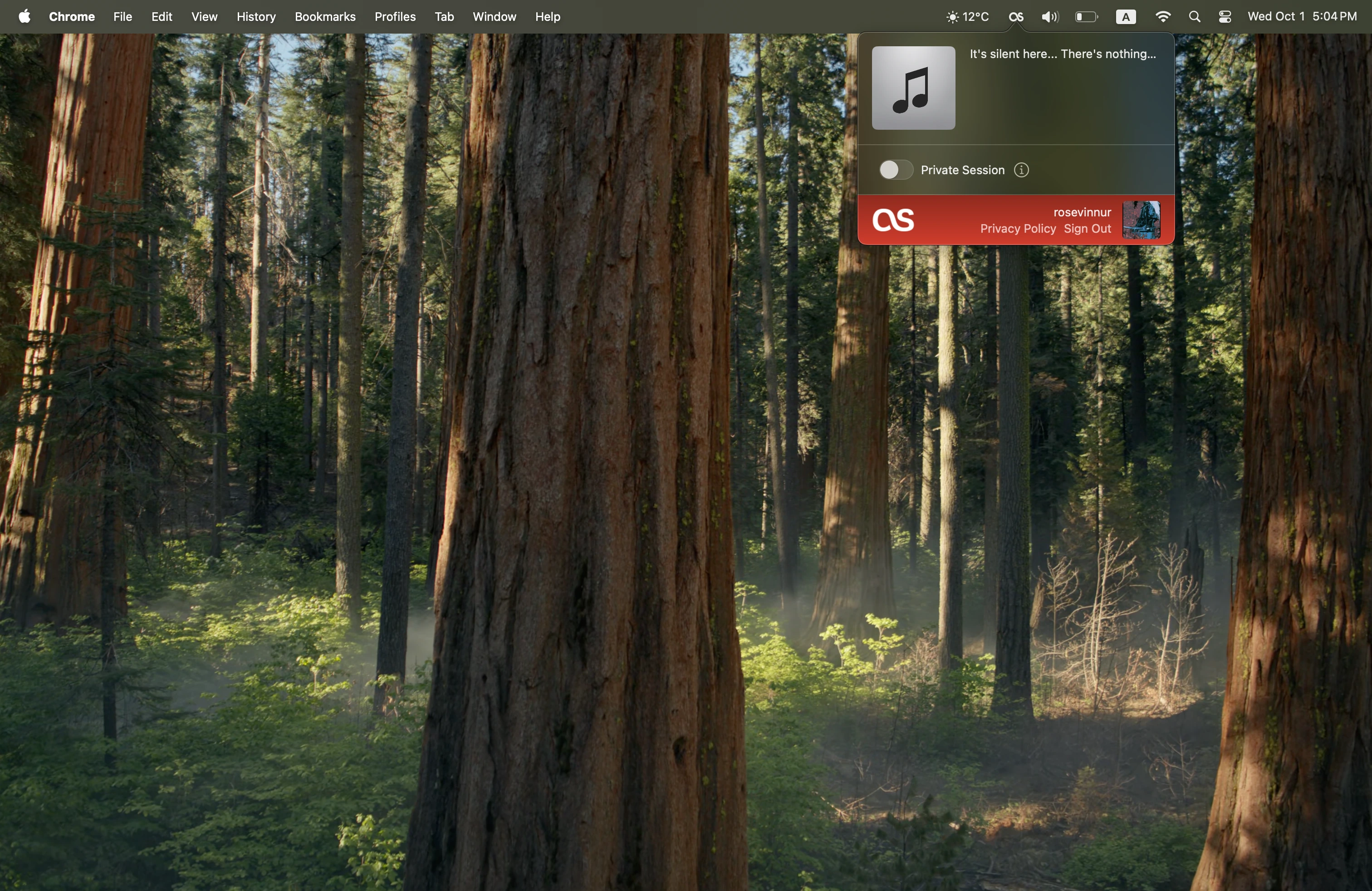
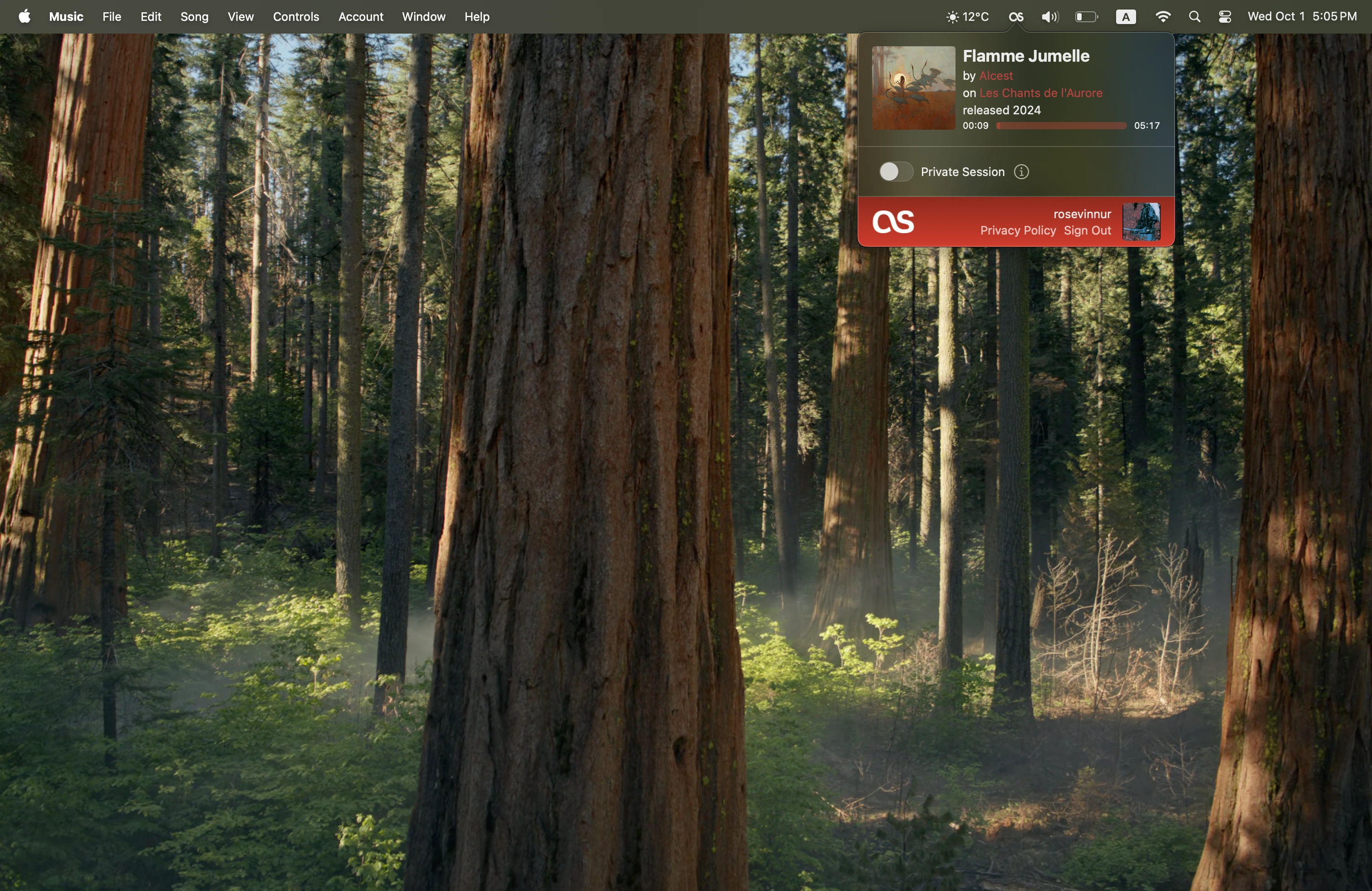
How It Works
Download & Install
Get Audioscrobbler from the Mac App Store and install it on your Mac.
Connect to Last.fm
Sign in with your Last.fm account using secure OAuth authentication.
Start Listening
Play music in Apple Music and watch as your listening is automatically tracked!